

Description
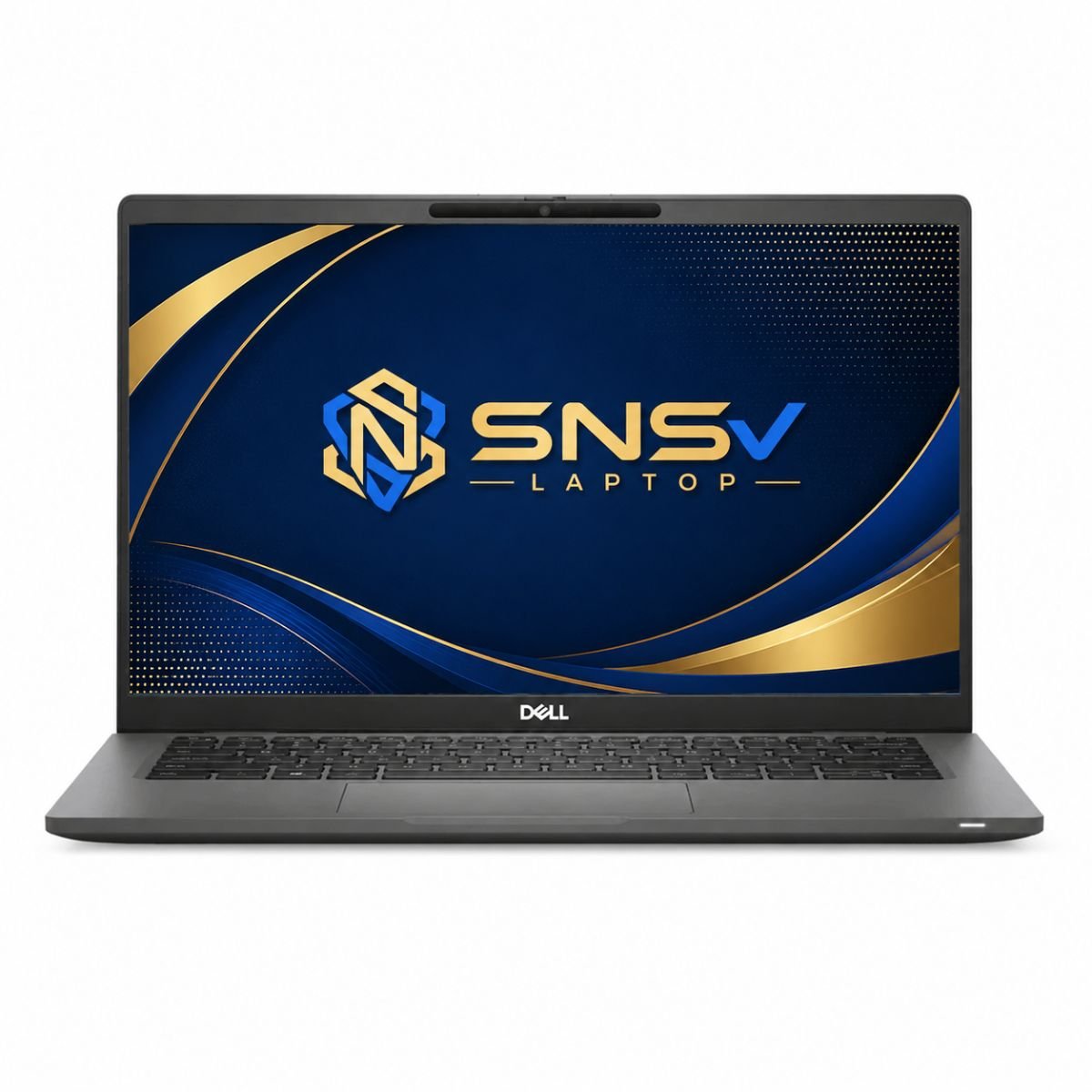
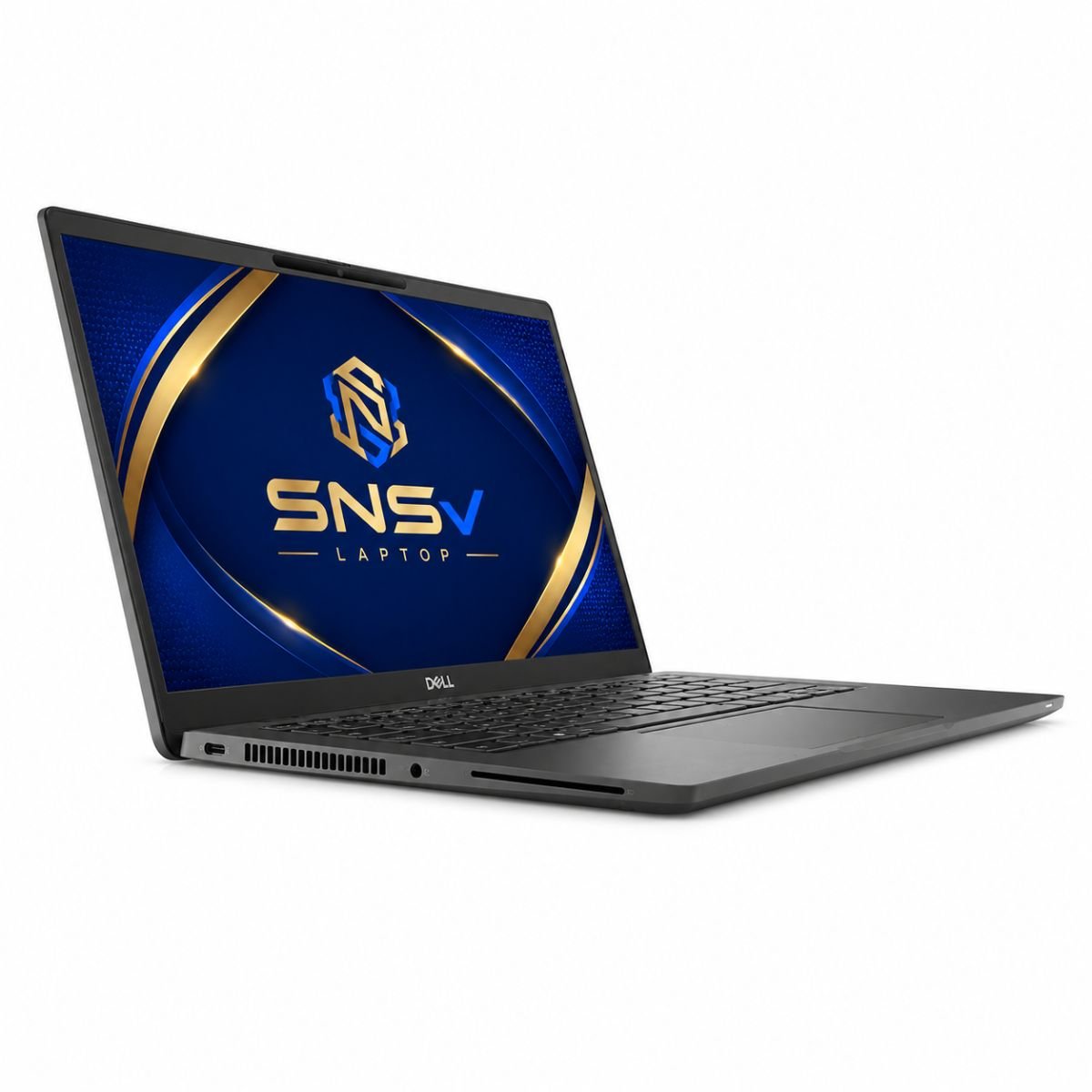
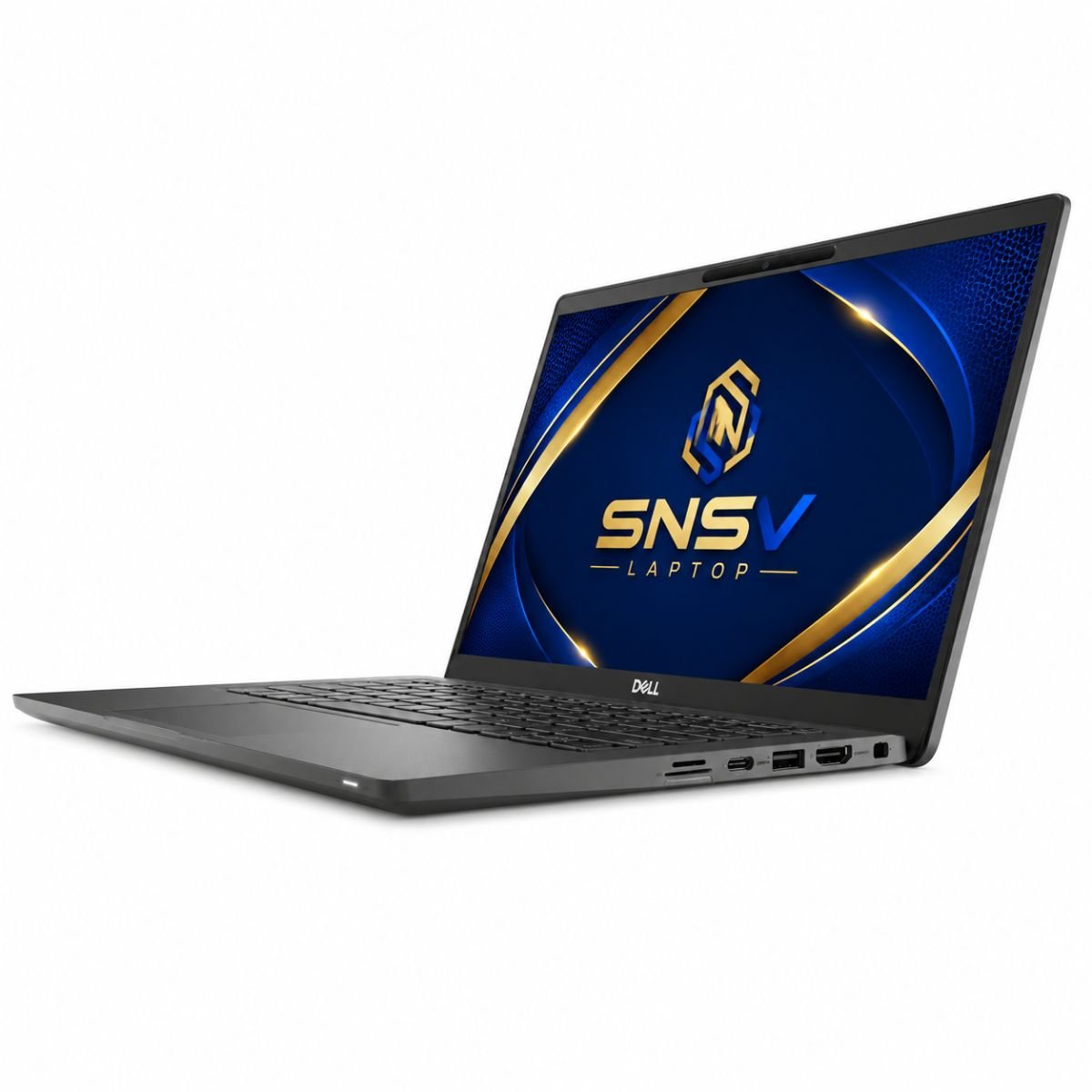
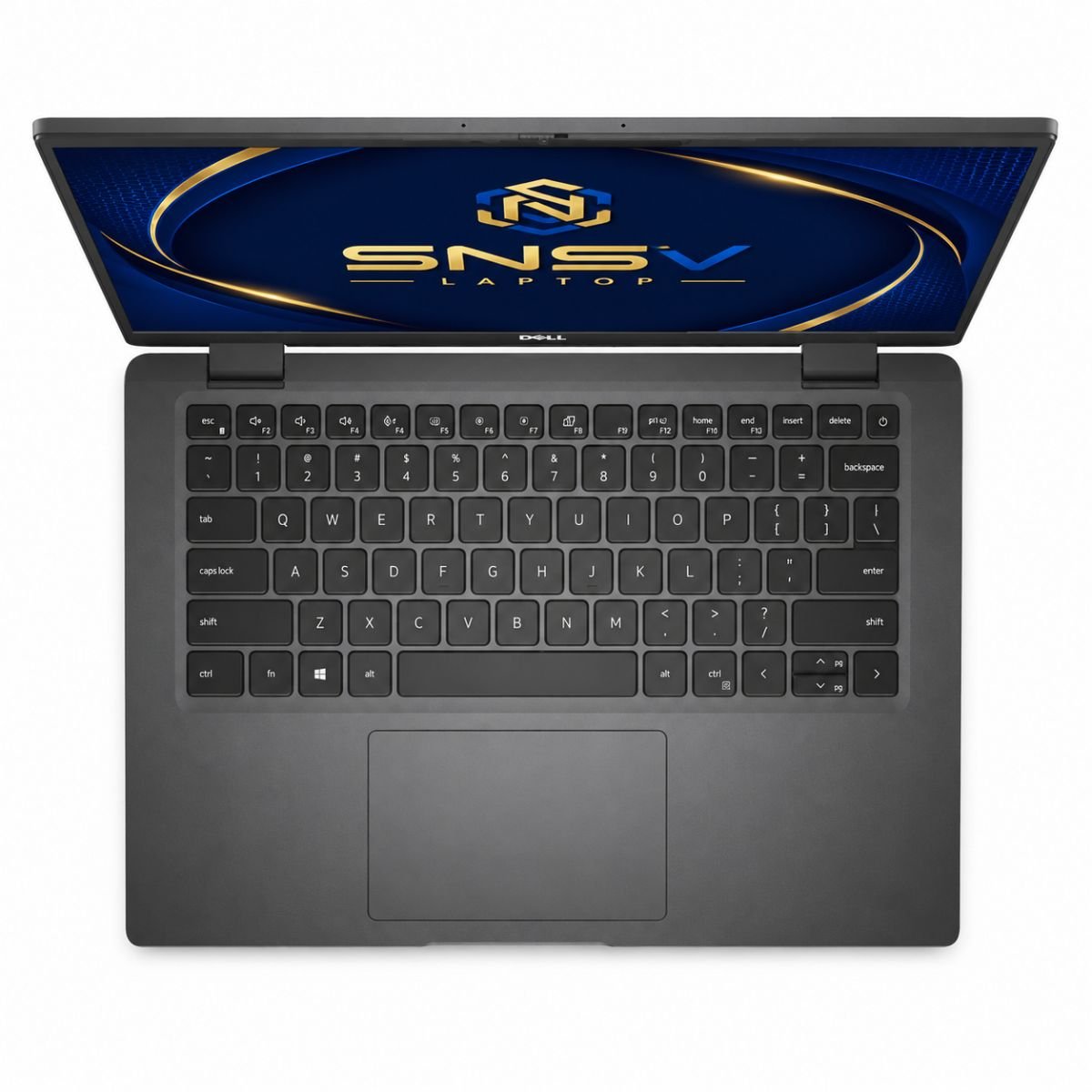
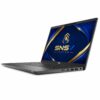
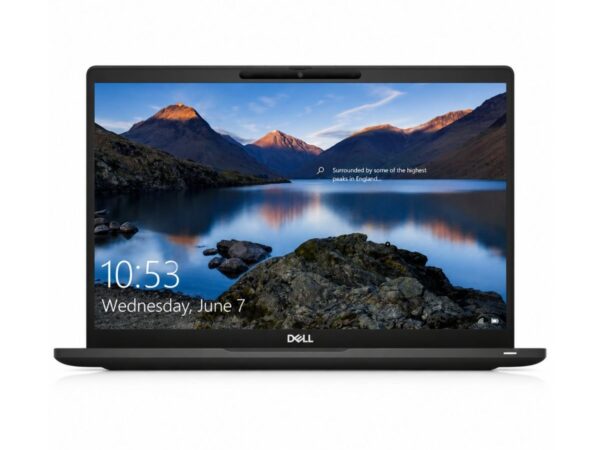
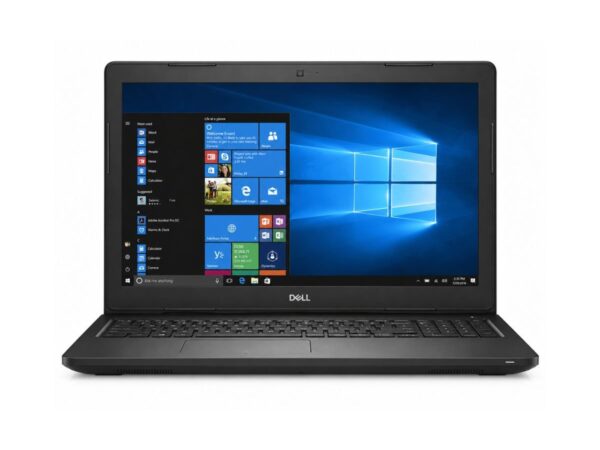
Dell Latitude 7420 Core i7 11th Gen Laptop | 8GB RAM | 256GB SSD | 14″ FHD Touch | Windows 10 Pro
Product Overview
For anyone browsing the Pakistan second-hand Dell market, this configuration keeps showing up as a favorite, and it’s easy to see why. This unit is a slightly used configuration that still carries the same solid build and business-grade feel it had at launch. Under the hood sits an 11th generation Intel Core i7-1165G7 chip, a processor built with everyday office tasks and light creative work in mind. Because of this generation Intel design, the notebook still feels current even as a second-hand pick, and it comfortably keeps up with modern browsers, office suites, and video calls. Looking for more Dell business laptops? Browse our Dell Latitude Collection.
This particular model suits students who need something for research and assignments, freelancers juggling multiple browser tabs, and office employees who spend most of their day in spreadsheets and presentations. Overall performance stays smooth for these everyday scenarios, and the device rarely feels sluggish unless it’s pushed into heavier, professional-grade editing work it was never meant for in the first place. Compared with similarly priced HP alternatives, this configuration still holds its own on daily reliability.
Specification Table
| Feature | Details |
| Condition | Slightly Used |
| Brand & Model | Dell Latitude 7420 |
| Processor | 11th Generation Intel Core i7-1165G7 |
| RAM | 8 Gigabytes DDR4 |
| Storage | 256 Gigabytes SSD |
| Graphics | Intel Iris Xe Graphics |
| Display Size | 14″ FHD |
| Touchscreen | Yes |
| Operating System | Windows 10 Pro |
| Bluetooth | Yes |
| Wi-Fi | Yes |
| USB | Yes |
| Webcam | Yes |
| Charger Included | Yes |
| Battery Backup | Up to 2 hours |
| Warranty | 10-Day Checking Warranty |
Design & Build Quality
The body of this Dell Latitude 14 7420 configuration has always leaned toward function over flash, and this unit is no exception. The chassis uses a reinforced, business-friendly shell that resists flexing even when carried in a bag without much padding. It isn’t the lightest option on the market, but the weight feels justified once someone picks it up and notices how sturdy it is compared to typical consumer-grade plastic builds.
Build quality is where this notebook quietly earns its reputation. The hinges open smoothly and hold the screen firmly at almost any angle, which matters a lot after months of daily opening and closing. Portability is decent for a 14-inch device, and it slips into most standard bags without trouble. There’s also a premium feel to the keyboard deck and palm rest, something that becomes obvious the moment fingers touch the surface, even on a used unit that has already seen some daily wear.
Display Experience
The 14-inch screen strikes a nice balance between portability and usability. Resolution comes in at Full HD, which keeps text sharp during long reading or writing sessions, and the panel handles brightness reasonably well in typical indoor office lighting. Color quality won’t rival a dedicated designer’s monitor, but it’s more than sufficient for browsing, watching videos, and reviewing documents throughout the day.
One standout feature on this configuration is the touchscreen, which adds a layer of convenience for anyone who prefers tapping through menus or annotating a PDF directly on the display. There’s no 360-degree folding hinge on this particular model, so it stays in a traditional clamshell form rather than converting into a tablet, but the touch response alone already opens up a more flexible way of working for many buyers.
Performance & Processor
At the center of this build is an 11th generation Intel design, running on efficient, low-power architecture with Turbo Boost pushing it up to 4.7GHz for short bursts of demanding work. Paired with 8GB of DDR4 RAM clocked at 3200MHz, the setup handles multitasking with several browser tabs, a word processor, and a video call running at once without much strain. The 256GB SSD connects over a fast PCIe interface, and it’s this drive that delivers a lot of the everyday snappiness, since boot times and app-launch responsiveness benefit enormously from solid-state storage compared to older mechanical drives. This generation Dell hardware also keeps drivers reasonably easy to update, which helps the whole system stay stable over time. Even the processor core count on this chip is well matched to typical business needs, so the processor rarely feels like a bottleneck for daily tasks. Learn more about 11th Gen Intel Core processors on Intel’s official website.
For office work such as spreadsheets, email, and document editing, this system barely breaks a sweat. Browsing stays fluid even with a dozen tabs open, and daily usage patterns like note-taking, video conferencing, and file management all feel responsive rather than laggy. It won’t replace a dedicated workstation for heavy rendering, but for the kind of work most students, teachers, and office staff do every day, the balance between chip, RAM, and drive speed is genuinely well matched.
Graphics Performance
Graphics duties are handled by the Intel Iris Xe Graphics chip, a noticeable step up from older integrated graphics found in previous-generation devices of this size. Video playback, including 1080p and even some 4K streaming, looks clean and stutter-free, and the integrated GPU comfortably manages light photo editing or basic video trimming without needing a dedicated graphics card.
Casual gaming is also possible, particularly with older titles or lighter, less demanding games, though this is not built to be a gaming machine. The GPU limitations become clear with newer, graphically intensive titles, where frame rates drop noticeably. For the target audience of students, freelancers, and office professionals, though, the graphics performance more than covers what’s actually needed on a daily basis.
Battery Life
Battery backup on this particular used unit sits at up to two hours, which reflects the natural wear that comes with a slightly used device rather than a brand-new one. Charging is straightforward with the included charger, and a full charge is usually enough to get through a half-day of office use involving document work, meetings, and browsing.
For travel, it’s worth planning around outlets being available partway through the day, especially for longer commutes or extended time away from a desk. Office use, where a charger is almost always nearby, remains the most comfortable scenario for this battery profile, and most buyers in that kind of routine won’t notice much of a difference from newer battery cells.
Ports & Network Access
Wireless connectivity on this configuration covers all of the essentials without unnecessary extras, supporting the 802.11ax standard for quicker, more stable network performance. USB ports handle everything from external storage to mice and keyboards, while an HDMI output makes it simple to connect to an external monitor or a projector during presentations. Wi-Fi keeps things dependable for everyday internet use, and among the available connectivity modes, Bluetooth pairs easily with headphones, speakers, and other accessories. This is another area where the Dell name continues to feel dependable, since the antenna placement rarely causes the kind of drop-offs seen on cheaper machines.
A working webcam rounds out the picture, making video meetings and online classes straightforward without needing an external camera. There’s also a standard audio jack for wired headsets, which is a small but appreciated detail for anyone who prefers a physical connection over Bluetooth for calls.
Who Should Buy This Device?
This configuration suits a fairly wide range of buyers. Students will appreciate the combination of a portable body, a responsive SSD, and a touchscreen for note-taking. Office users get a dependable system for spreadsheets, email, and daily reporting, while freelancers benefit from smooth multitasking during client calls and project work.
Teachers can rely on it for lesson preparation and online meetings, and it holds up well for small business owners who need something for invoicing, communication, and basic record-keeping. Anyone whose day revolves around browsing, typing, and video calls rather than heavy creative software will likely find this professional laptop a comfortable fit.
Why Buy From SNSV Laptop?
Choosing where to buy a used device matters just as much as choosing the hardware itself. Every unit listed is a genuine product, checked and tested before it’s ever offered for sale, so buyers aren’t left guessing about hidden issues. Competitive prices make it easier to get business-grade hardware without paying for a brand-new system, and every transaction goes through a secure payment process for peace of mind.
Fast delivery means less waiting and more time actually using the new setup, and a responsive customer support team is available for anything that comes up before or after the purchase. Add in a 10-day checking warranty, and buyers get a reasonable window to confirm everything works exactly as described.
Frequently Asked Questions
Is this device good for students? Yes. Its lightweight design, decent battery life for a used unit, and responsive SSD make it a practical everyday companion for coursework, research, and note-taking.
Does it support fast Wi-Fi and Bluetooth? It includes modern Wi-Fi support along with Bluetooth, covering typical internet, streaming, and accessory-pairing needs without any extra adapters.
Can this device handle basic gaming? Casual and older games run fine thanks to the integrated graphics chip, but newer, graphically demanding titles are outside its intended use case.
What operating system does it run? It comes preloaded with Windows 10 Pro, which suits both personal use and typical office environments.
Is there a warranty on this used device? Yes, it includes a 10-day checking warranty so buyers can confirm everything is working properly after purchase.
Does it have a touchscreen? Yes, this configuration includes a responsive touchscreen display, adding extra flexibility for navigation and note-taking.

Reviews
There are no reviews yet.