


Description
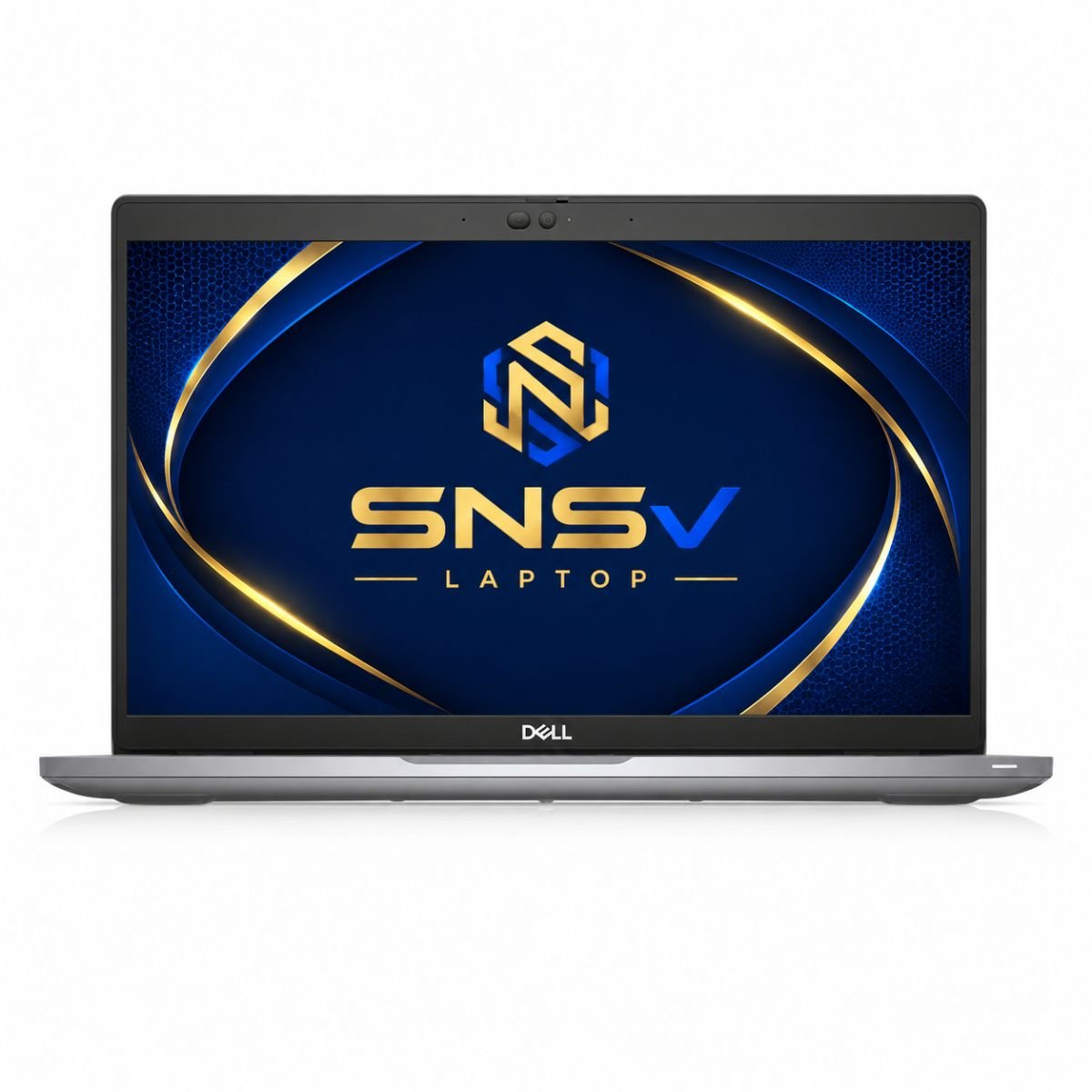
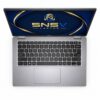
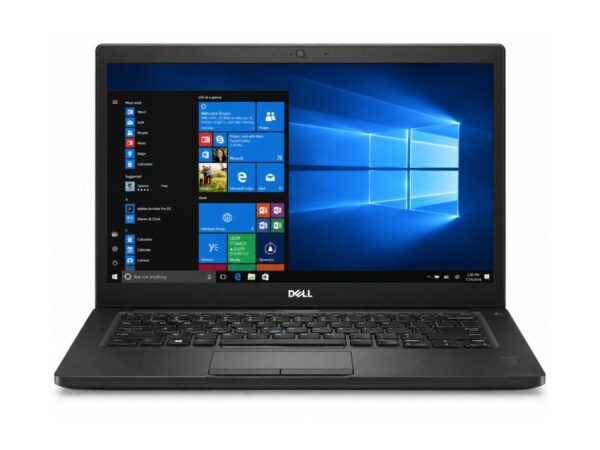
Dell Latitude 5420 Core i7 11th Gen Laptop | 8GB RAM | 256GB SSD | 14″ FHD Touch | Windows 10 Pro
The Dell Latitude 5420 has long been a favorite among professionals who want a laptop that feels serious about work. It’s built by Dell Technologies as part of the well-known Latitude lineup, and this particular unit comes in slightly used condition with an 11th Generation Intel Core i7-1185G7 processor under the hood. For anyone hunting for a dependable machine for office tasks, study, or day-to-day computing, this model deserves a closer look.
Product Overview
This Dell Latitude 5420 is built around the 11th Gen Core™ i7-1185G7 processor, one of Intel’s stronger mobile chips from that generation. The broader Latitude 5420 series has also been offered with other configurations, including the Core™ i3-1115G4, Core™ i5-1135G7, Core™ i5-1145G7, and Core™ i7-1165G7, so buyers researching the line will come across a range of Intel Core i3, Core i5, and Core i7 options depending on the exact unit they find. The variant covered in this article, however, is the higher-tier i7 model, which generally suits users who need a bit more headroom for multitasking.
Overall, this laptop is aimed at office employees, students, and anyone who wants a business-grade machine rather than a flashy gaming rig. It isn’t trying to be a powerhouse for heavy creative work or gaming — it’s built for reliability, portability, and getting things done.
Specification Table
| Feature | Details |
| Condition | Slightly Used |
| Brand & Model | Dell Latitude 5420 |
| Processor | 11th Generation Core i7-1185G7 |
| RAM | 8GB DDR4 |
| Storage | 256GB SSD |
| Graphics | Intel Iris Xe Graphics |
| Display Size | 14″ FHD |
| Touchscreen | Yes |
| Operating System | Windows 10 Pro |
| Bluetooth | Yes |
| Wi-Fi | Yes |
| USB | Yes |
| Webcam | Yes |
| Charger Included | Yes |
| Battery Backup | Up to 2 hours |
| Warranty | 10-Day Checking Warranty |
Design & Build Quality
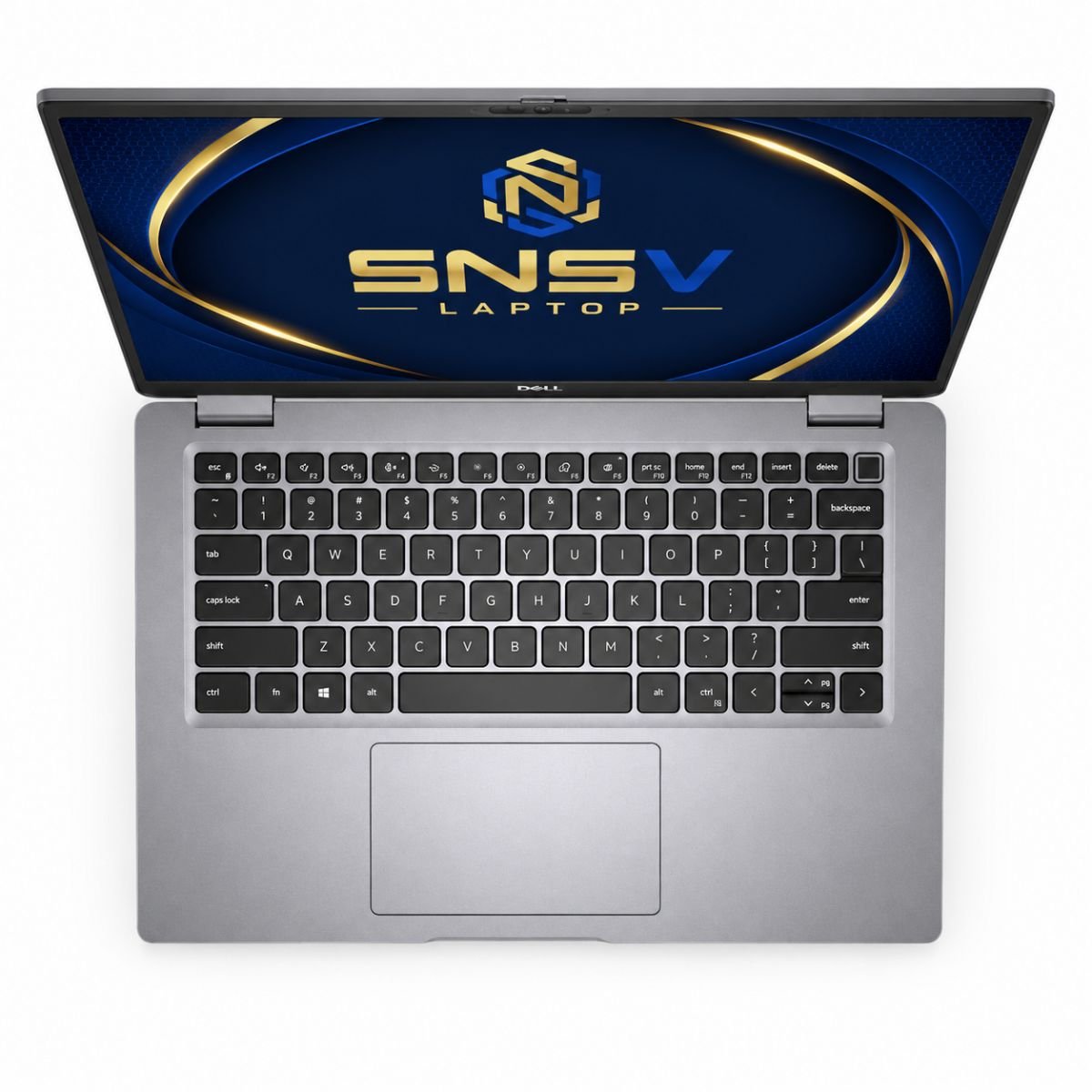
The Dell Latitude 5420 keeps things practical rather than showy. Its chassis uses a mix of durable plastics and metal reinforcement typical of Dell’s business-class hardware, giving it a sturdy feel without pushing the weight too high. It’s light enough to carry between meetings or classes, and the hinges hold up well to daily opening and closing without feeling loose.
Dell has also leaned into a more sustainable Latitude design philosophy for this series, incorporating recycled materials in parts of the build. While it won’t turn heads the way an ultra-premium consumer laptop might, it carries a clean, professional look that fits naturally into an office or classroom setting. Overall, the build quality strikes a fair balance between portability and everyday toughness.
Display Experience
The screen measures 14 inches with Full HD resolution, which keeps text sharp and images clear for everyday tasks like document editing, spreadsheets, and video calls. It’s a widescreen panel, so there’s enough horizontal space to comfortably view two windows side by side.
This unit also includes a touchscreen, which adds a nice bit of flexibility for note-taking or quickly tapping through menus instead of relying only on the trackpad. Some Latitude 5420 configurations include a proximity sensor near the webcam that can detect when a user walks away and lock the screen automatically, a small but handy security touch for shared office spaces. Brightness and color reproduction are respectable for indoor office lighting, though like most business laptops, it isn’t tuned for professional color-grading work.
Performance & Processor
At the center of this build is the 11th Gen Core™ i7-1185G7 processor, a chip designed for solid multitasking without draining the battery too quickly. It runs alongside 8GB of DDR4 RAM operating around 3200MHz, which is enough for typical office workloads, though users juggling many browser tabs and heavier apps at once may eventually want to upgrade the RAM.
Storage comes from a 256GB SSD, likely running over a PCIe NVMe interface, which helps keep boot times fast and app loading snappy compared to older mechanical hard drives. Windows 10 Pro 64-bit runs smoothly on this hardware, and the combination of a fast SSD drive with a capable processor means day-to-day tasks like browsing, emailing, and document work feel responsive. With clock speeds that can boost up to around 4.4GHz, the chip handles short bursts of demanding work well, even if it’s not intended for sustained heavy computing. Dell’s Dell Optimizer software can also help fine-tune performance and extend battery efficiency automatically based on usage habits.
Need an even more premium business laptop? Check out the Dell Latitude 7420 with enhanced performance and portability.
Graphics Performance
This particular Latitude 5420 comes with Intel Iris Xe integrated graphics rather than a discrete card, which is a step up from the older Intel UHD graphics found in some previous-generation Latitude models. It handles video playback smoothly, including 1080p and even some 4K streaming, and it’s capable of light photo editing or basic video trimming without much strain.
Casual gaming is possible on older or less demanding titles, where users can expect playable fps on lower settings, but this isn’t a machine built for modern AAA games. Since there’s no dedicated graphics card, users doing serious 3D rendering, heavy gaming, or GPU-intensive editing will find its limitations fairly quickly. For everyday productivity and media consumption, though, it does the job well.
Battery Life
Battery life is one area where buyers should set realistic expectations. As a slightly used unit, this laptop currently offers up to about 2 hours of battery backup on a full charge, which is noticeably lower than what a brand-new Latitude 5420 would typically deliver. This is common in laptops that have seen regular use, since battery health naturally declines over time.
For someone who mostly works at a desk with the charger nearby, this isn’t a major issue. But for frequent travelers who need long unplugged sessions, it’s worth factoring in — either by keeping the charger handy or considering a battery replacement down the line for extended office use.
Connectivity & Ports
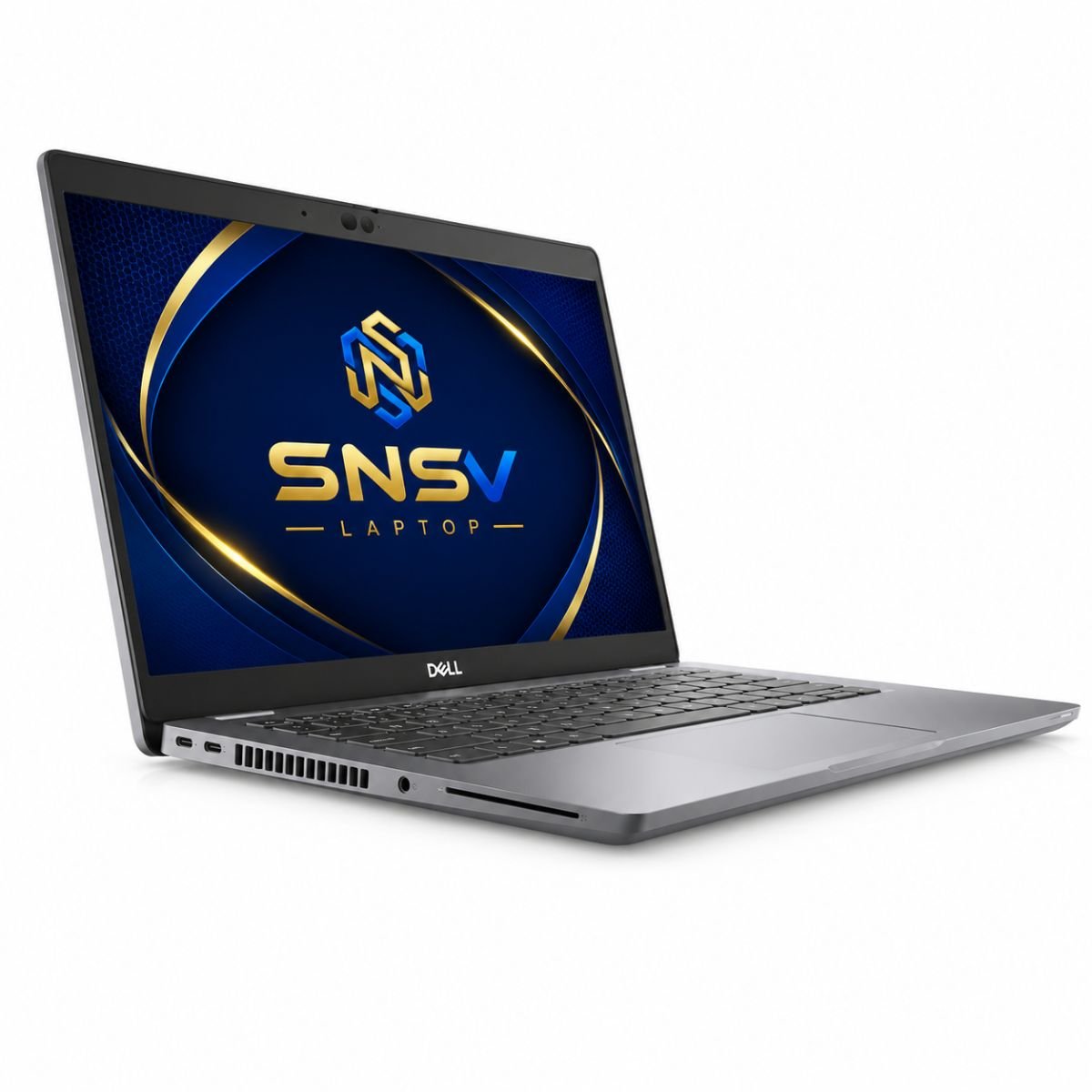
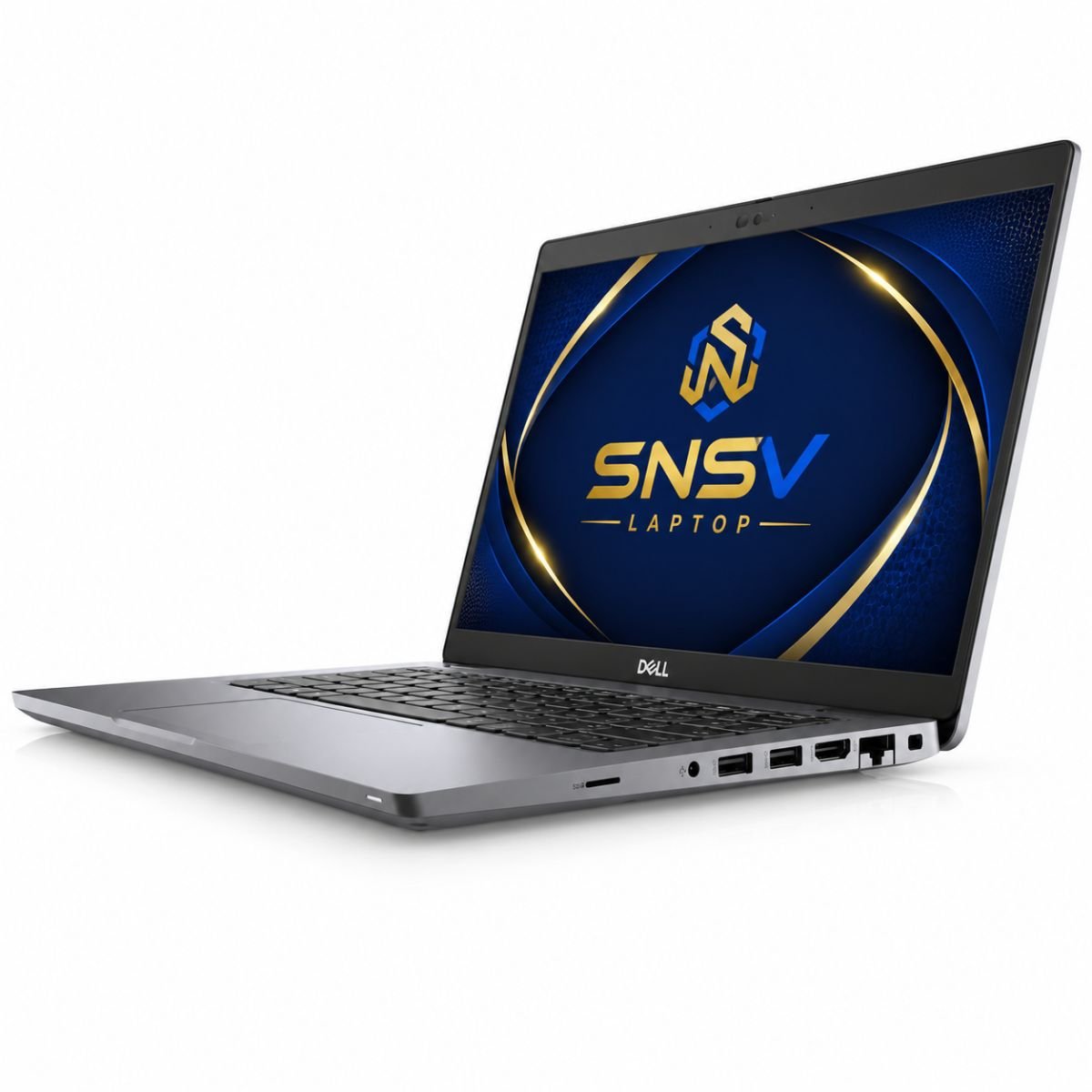
Connectivity is one of the strong points of this laptop. It includes multiple USB ports for peripherals, along with Bluetooth and built-in wireless networking through an internal wireless card, supporting standards like 802.11ac on many configurations (with newer units in the lineup offering Wi-Fi 6). A dedicated RJ-45 Ethernet port is also available on many Latitude 5420 units for a stable wired connection, which is a nice bonus in offices where Wi-Fi can be inconsistent.
The laptop also supports a USB4 port with DisplayPort Alt Mode and Power Delivery, letting users connect external monitors or charge the device through a single cable on supported configurations. A built-in webcam handles video calls, and a standard audio jack covers headsets and external speakers. Some Latitude 5420 variants further include an optional SIM card slot for mobile connectivity, though availability depends on the exact configuration purchased.
Who Should Buy This Laptop?
The Dell Latitude 5420 is best suited for:
- Students who need something reliable for assignments, research, and online classes
- Office employees handling emails, spreadsheets, and reports daily
- Freelancers who want a portable machine for writing, browsing, and communication
- Teachers preparing lessons or joining virtual classrooms
- Professionals who rely heavily on online meetings and video calls
- Small business owners who need a dependable machine without enterprise-level pricing
If your work revolves around productivity apps, web browsing, and communication tools rather than gaming or heavy creative software, this Latitude 5420 fits the bill nicely.
Why Buy From SNSV Laptop?
Choosing where you buy a used laptop matters just as much as choosing the laptop itself. Here’s what buyers can expect when purchasing through SNSV Laptop:
- Genuine Products — every unit sold is authentic and accurately described
- Tested Devices — laptops go through checks before being listed for sale
- Competitive Prices — fair pricing for the specs and condition offered
- Secure Payment — safe and straightforward checkout options
- Fast Delivery — orders are processed and shipped promptly
- Customer Support — real assistance available before and after purchase
- Warranty — this unit includes a 10-day checking warranty, and buyers can also ask about additional hardware warranty options depending on the specific listing
For official drivers, BIOS updates, and technical support, visit the Dell Support website.
Frequently Asked Questions
Q: What processor does this Dell Latitude 5420 use? This unit runs on the 11th Generation Intel Core i7-1185G7 processor.
Q: Does it have a touchscreen? Yes, this particular model includes a touchscreen display.
Q: How long does the battery last? Given its slightly used condition, current battery backup is up to around 2 hours. Heavier travel users may want a charger on hand or consider a battery swap later on.
Q: Can I upgrade the RAM or storage? Many Latitude 5420 units support RAM upgrades and additional storage, though it depends on the specific configuration, so it’s worth confirming before purchase.
Q: How does the Latitude 5420 compare to other Dell Latitude laptops? Dell’s broader Latitude range includes models like the Dell Latitude 7530, 5320, 5420 & 7410 laptops, each aimed at slightly different budgets and performance levels. The 5420 sits comfortably in the mid-to-upper range for business use.
Q: Is this laptop good for gaming? It can handle light or older games, but it’s designed primarily for productivity rather than gaming performance.
Q: What’s included with the purchase? The laptop comes with its charger included, along with the specifications listed above.

Reviews
There are no reviews yet.