

Description
Toshiba Portege X30-D i7 7th Gen – A Slim, Reliable Workhorse for Everyday Computing
Product Overview
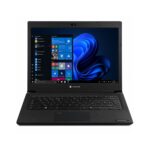
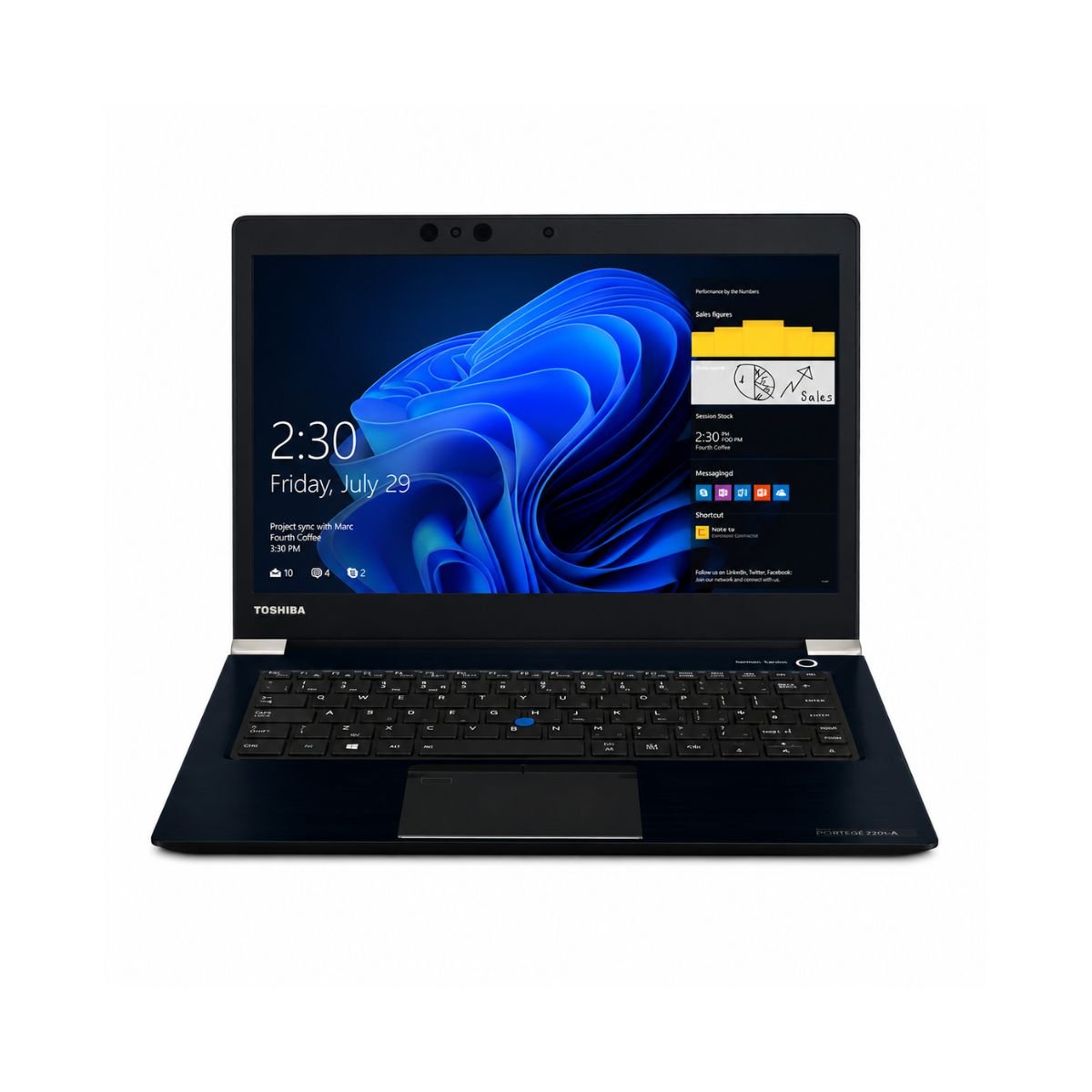
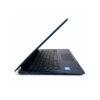
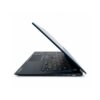
The Toshiba Portege X30-D is one of those laptops that quietly gets the job done without making a big fuss about it. Built by a brand known for durable business machines, this slightly used unit is powered by a 7th generation Intel Core i7 processor, which means it was designed in an era when Intel was focused on giving professionals a smooth balance of speed and battery efficiency. It isn’t a flashy gaming rig, and it doesn’t try to be — instead, it’s aimed at students, office employees, freelancers, and anyone who needs a dependable machine for writing, browsing, spreadsheets, and video calls.
Overall, the performance is best described as “steady.” It boots quickly, handles multiple browser tabs and office documents without complaint, and the touchscreen adds a nice bit of flexibility for anyone who likes to tap, scroll, or annotate directly on the screen. For the price point of a slightly used device, it punches well above its weight in day-to-day usability.
Specification Table
| Feature | Details |
| Condition | Slightly Used |
| Brand & Model | Toshiba Portege X30-D |
| Processor | Core i7, 7th Generation |
| RAM | 8 Gigabytes DDR4 |
| Storage | 256 Gigabytes SSD |
| Graphics | Intel HD Graphics 620 |
| Display Size | 13.3″ |
| Touchscreen | Yes |
| Operating System | Windows 10 |
| Bluetooth | Yes |
| Wi-Fi | Yes |
| USB | Yes |
| Webcam | Yes |
| Charger Included | Yes |
| Battery Backup | Up to 2 hours |
| Warranty | 10-Day Checking Warranty |
Design & Build Quality
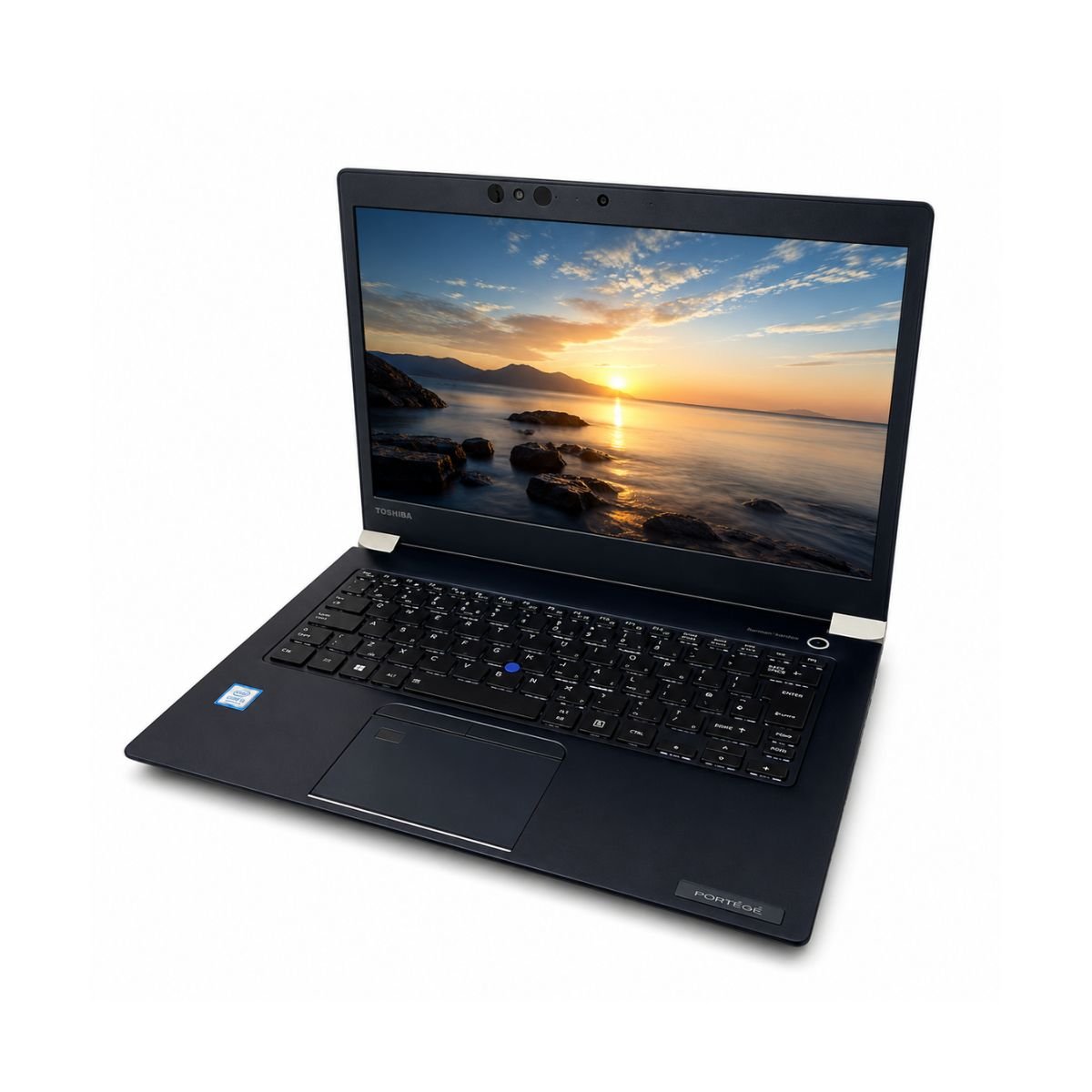
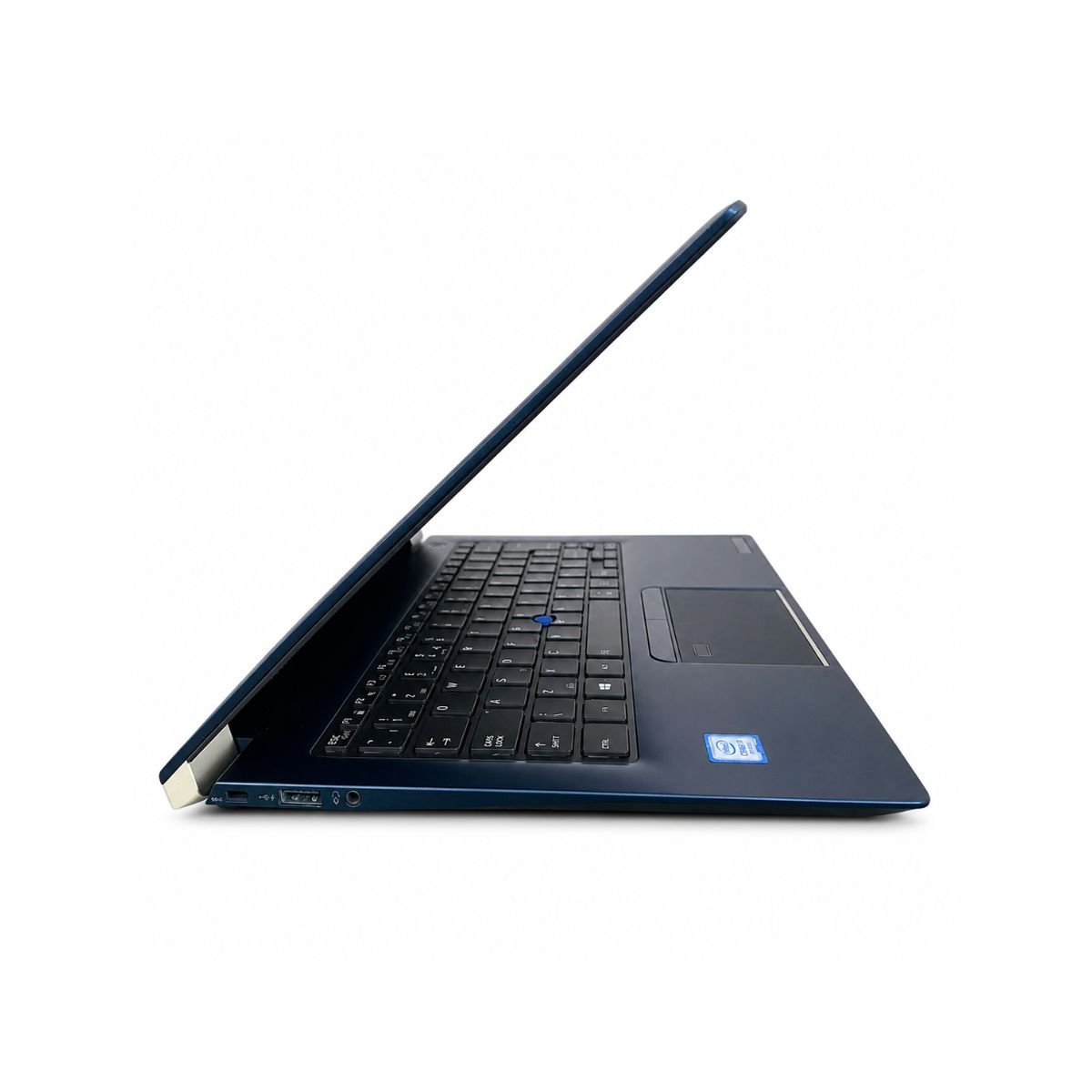
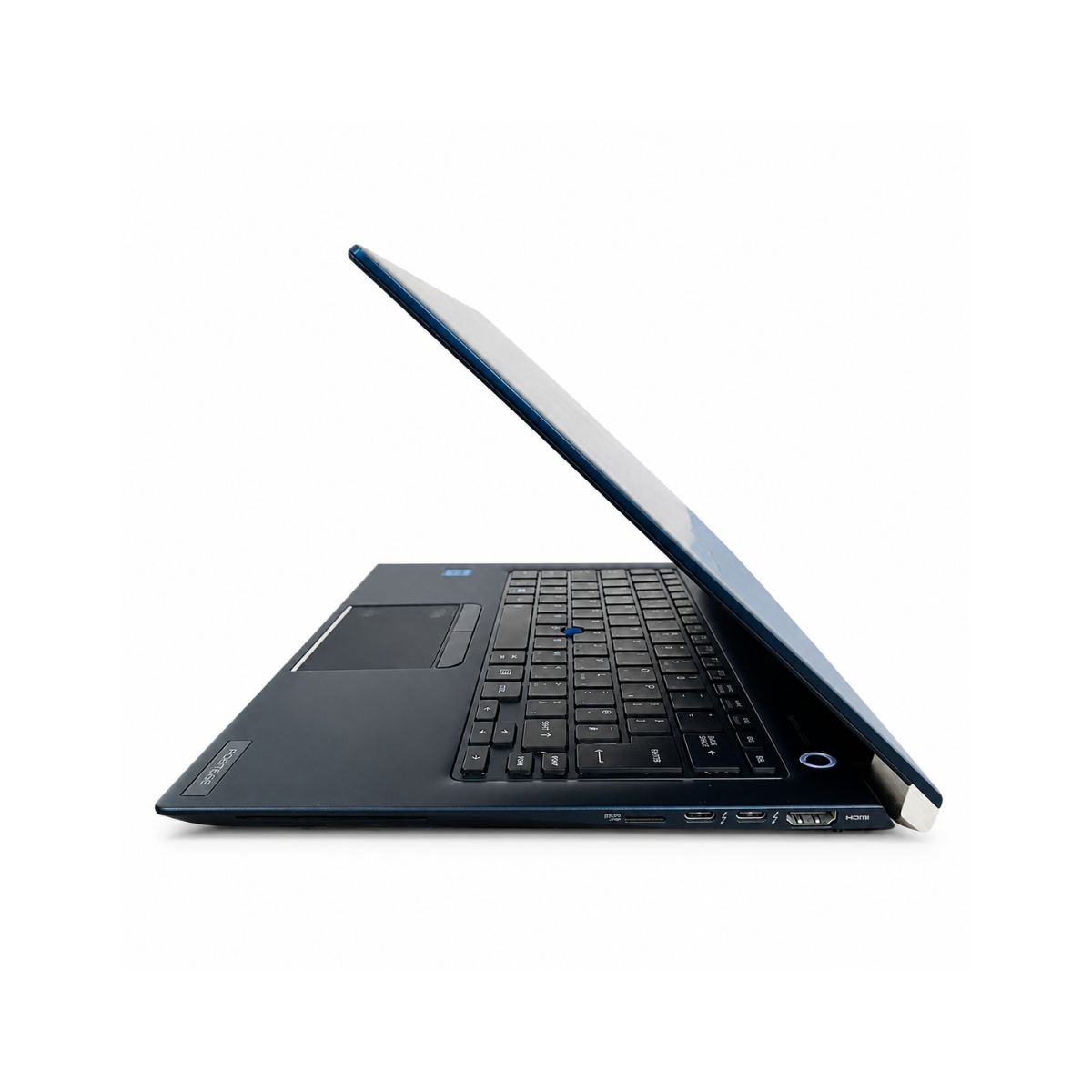
Toshiba has always had a reputation for making laptops that feel like they were built for the office rather than the coffee shop selfie, and the Portégé line carries that reputation well. The body material leans toward a magnesium-alloy style construction, which keeps things sturdy without adding unnecessary bulk. It’s genuinely light to carry around, so tossing it into a backpack or an office bag isn’t a chore.
The hinges are firm, which means the screen doesn’t wobble every time you type on a train or a bus. There’s a certain premium feel to the chassis too — nothing screams “budget device” when you pick it up, even though this particular unit is being sold as slightly used. Portability is really where this laptop shines, since the compact 13.3-inch footprint makes it an easy travel companion for meetings, classes, or co-working spaces.
Toshiba Portege Build Highlights
Overall, the fit and finish reflect the kind of attention to detail that made the Toshiba Portege lineup a favorite among traveling professionals back in the day — solid without being heavy, and understated without looking cheap.
Also Known as the Toshiba Portégé
In some regions, this same model is marketed under that accented spelling instead, which is simply the international naming convention. Aside from the accent, it’s the exact same machine with the same internals.
Display Experience
The 13.3″ screen is compact enough to stay portable but still large enough for comfortable reading, document editing, and video calls. Colors are reasonably accurate for office and everyday use, and brightness levels are enough to handle most indoor lighting conditions without much strain on the eyes.
One of the standout features here is the touchscreen, which lets users tap, swipe, and scroll instead of relying purely on the trackpad. This is especially handy for note-taking apps or quickly navigating through documents. It’s worth mentioning that this isn’t a 360-degree convertible like an x360 style laptop — the Portege X30D sticks to a traditional clamshell design, so it won’t fold flat into tablet mode, but the touchscreen still adds a nice layer of convenience for everyday tasks.
Performance & Processor
This is where this laptop really earns its keep. Under the hood sits a 7th-generation Intel Core i7 chip — Powered by a 7th-generation Intel Core i7 processor, it delivers smooth performance for office work, browsing, multitasking, and everyday productivity. This particular gen Intel Core family was built around efficient dual-core performance with a turbo clock speed reaching into the 3+ GHz range, giving it enough headway for demanding office tasks without draining the battery too quickly.
Paired with 8 GB of DDR4 RAM and a 256 GB SSD, boot times are fast, and everyday multitasking feels smooth. Switching between a browser with a dozen tabs open, a Word document, and a spreadsheet doesn’t cause any noticeable slowdown. For office work, browsing, emails, and general daily usage, this Core i7 processor handles things with the same calm confidence you’d expect from a business-grade machine, even though it’s a slightly older generation by today’s standards. Anyone relying on the key technology version improvements Intel introduced during this processor generation will notice the difference compared to older i5 or i3 machines, particularly when running several applications at once.
Graphics Performance
Graphics duties are handled by the integrated Intel HD Graphics 620 chip, which isn’t going to compete with a dedicated graphics card, but that was never really its job. This is an onboard solution built directly into the processor rather than a separate PCI-based unit, and it’s more than capable of smooth video playback, YouTube streaming, and light photo editing in tools like Lightroom or Canva.
Casual gaming is possible too — older titles, browser-based games, and simple 2D games run without much trouble. That said, it’s worth being upfront about the GPU limitations here: modern AAA games, heavy 3D rendering, or intensive video editing workloads are outside what this integrated chip was built to do. For anything beyond everyday visual tasks, a laptop with a dedicated graphics chip would be a better fit.
Battery Life
Battery backup on this unit comes in at up to 2 hours, which is on the lower side compared to newer laptops, and it’s worth factoring into how it gets used. It’s best suited for short bursts of unplugged work — a quick meeting, a short commute, or working near an outlet during office hours. For longer travel days, keeping the charger handy is a smart move, and thankfully the original charger is included with this unit, so there’s no need to hunt down a compatible replacement.
Connectivity & Ports
Connectivity here covers all the essentials. There’s USB support for external drives, mice, and keyboards, along with Bluetooth for wireless headphones or accessories, and reliable Wi-Fi for everyday internet use. It offers noticeably quicker transfer speeds than older USB standards when moving files to external storage.
A built-in webcam takes care of video calls, whether it’s a work meeting, an online class, or a quick catch-up with family. There’s also an audio jack for headphones or external speakers, rounding out a solid, practical set of ports for daily use.
Who Should Buy This Laptop?
This laptop makes the most sense for a specific type of buyer — someone who values portability, reliability, and a fair price over raw gaming power. Here’s who it fits best:
- Students who need something light for lectures, note-taking, and research
- Office users handling emails, spreadsheets, and document work
- Freelancers who work on the go and need dependable performance for writing, browsing, or client calls
- Teachers preparing lessons, grading, and joining virtual classrooms
- Online meetings — the webcam and touchscreen make video calls and quick annotations easy
- Small business owners who need an affordable secondary or backup machine
You can also explore our Dell Latitude, HP EliteBook, and Lenovo ThinkPad collections for more business laptops.
Why Buy From SNSV Laptop?
Buying a slightly used laptop only makes sense when you can trust who you’re buying it from, and that’s exactly where SNSV Laptop stands out.
- Genuine Products – every laptop listed is authentic, with no knockoff parts or fake components
- Tested Devices – each unit goes through a proper checking process before it’s listed for sale
- Competitive Prices – fair pricing that reflects real market value, not inflated markups
- Secure Payment – safe and straightforward payment options for peace of mind
- Fast Delivery – quick turnaround so you’re not left waiting around
- Customer Support – real people ready to answer questions before and after the purchase
- Warranty – backed by a 10-Day Checking Warranty, giving buyers time to confirm everything works as expected
For official drivers, BIOS updates, and support, visit Toshiba/Dynabook Support.
Frequently Asked Questions
Q1: What processor does this laptop use? It runs on a 7th generation Intel Core i7 processor (one of the U-series low-power variants), offering solid performance for everyday office and study tasks.
Q2: How much RAM and storage does it come with? This unit comes with 8 GB of DDR4 RAM and a 256 GB SSD, which is enough for smooth multitasking and fast boot times.
Q3: Does it have a touchscreen? Yes, this laptop includes a touchscreen display, though it’s not a 360-degree convertible design.
Q4: What kind of graphics does it use? It uses Intel HD Graphics 620, an integrated graphics solution suitable for video playback, light editing, and casual gaming rather than heavy 3D workloads.
Q5: How long does the battery last? Battery backup is rated at up to 2 hours, so it’s best used near a power source for longer sessions.
Q6: Is this laptop good for gaming? It can handle light or older games, but it isn’t built for demanding modern titles due to its integrated graphics.
Q7: What warranty comes with this laptop? It includes a 10-Day Checking Warranty, giving buyers a short window to verify the device works properly after purchase.
Q8: Who is this laptop best suited for? Students, office employees, freelancers, teachers, and small business owners looking for a portable, reliable machine for everyday computing.

Reviews
There are no reviews yet.