



Description
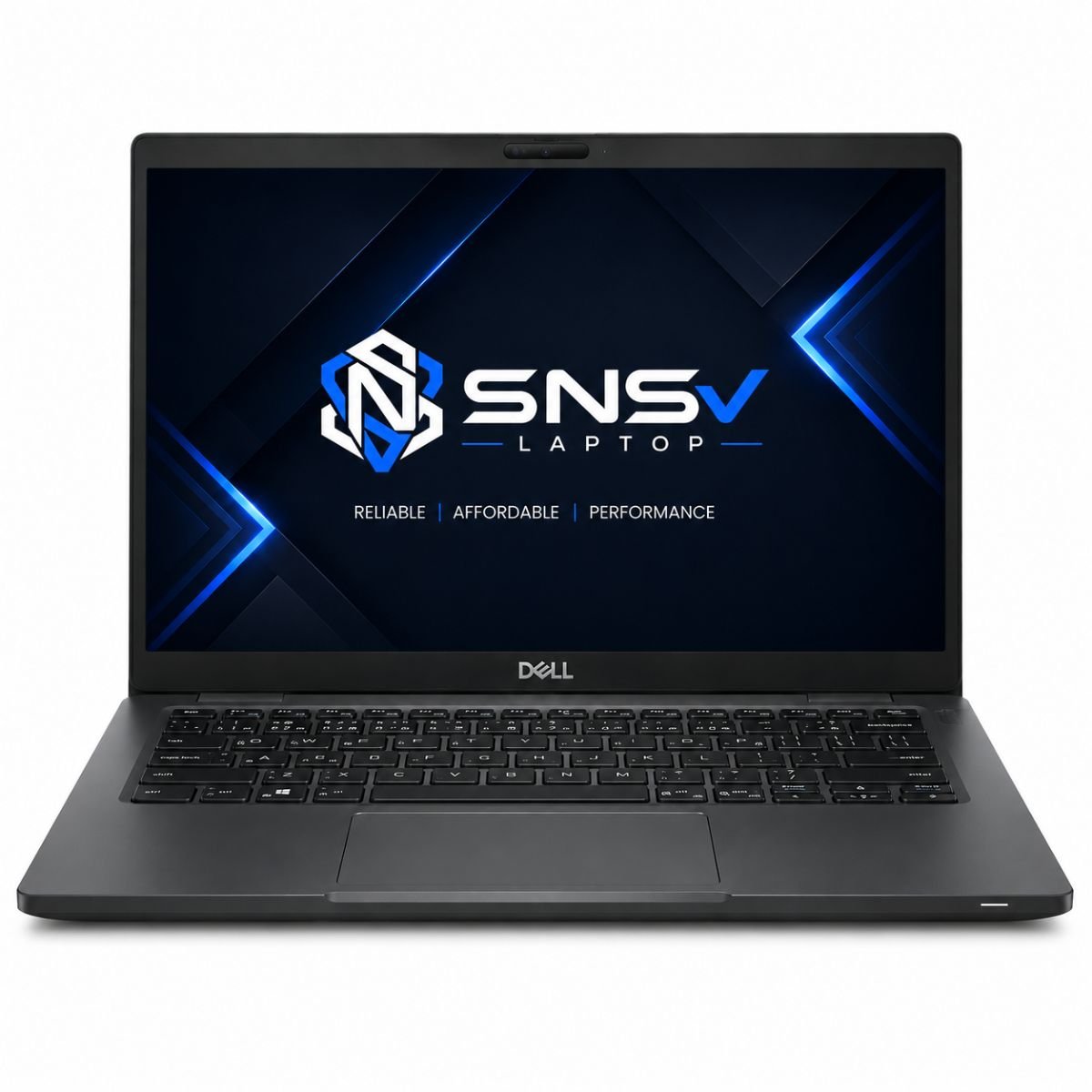
Dell Latitude 7410 Price in Pakistan – Core i5 10th Gen, 8GB RAM, 256GB SSD
Product Overview
For professionals who need a machine that simply gets the job done, the Dell Latitude 7410 has become a familiar name in offices, universities, and home workstations alike. It comes from Dell Technologies’ long-running Latitude lineup, a series of laptops built specifically around durability and day-to-day business use rather than flashy extras.
Under the hood, this model runs on an Intel Core i5 10th generation chip (the 10310 variant), which comfortably handles office documents, browsing, video calls, and general multitasking. Buyers who need more headroom can also come across configurations with an Intel Core i7 option, so the lineup covers everything from routine admin work to slightly heavier creative or analytical tasks. Whether it ends up on a student’s desk, in a small business, or on a consultant’s travel bag, this unit is built to keep up with a busy schedule without much fuss.
Specification Table
| Feature | Details |
| Brand & Model | Dell Latitude 7410 |
| Processor | Core i5 10th Gen – 10310 |
| RAM | 8 Gigabytes DDR4 |
| Storage | 256 Gigabytes SSD |
| Graphics | Intel Shared Graphics |
| Display Size | 14.1″ |
| Touchscreen | Yes |
| Operating System | Windows 11 Pro (Windows 10 Pro downgrade also available on select units) |
| Bluetooth | Yes |
| Wi-Fi | Yes |
| USB | Yes |
| Webcam | Yes |
| Charger Included | Yes |
| Battery Backup | Up to 2 hours (varies with usage) |
| Warranty | 10-Day Checking Warranty |
Design & Build Quality
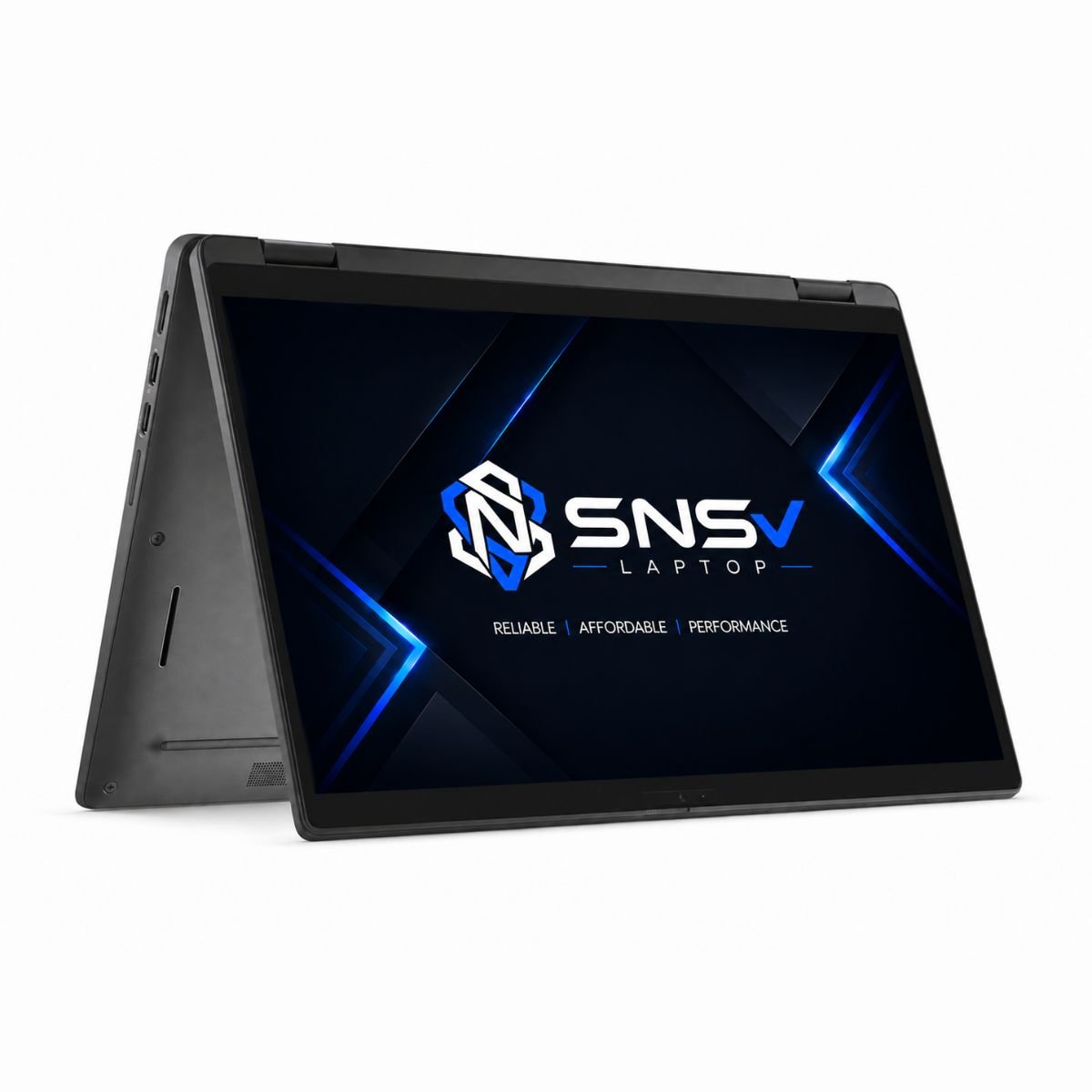
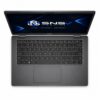
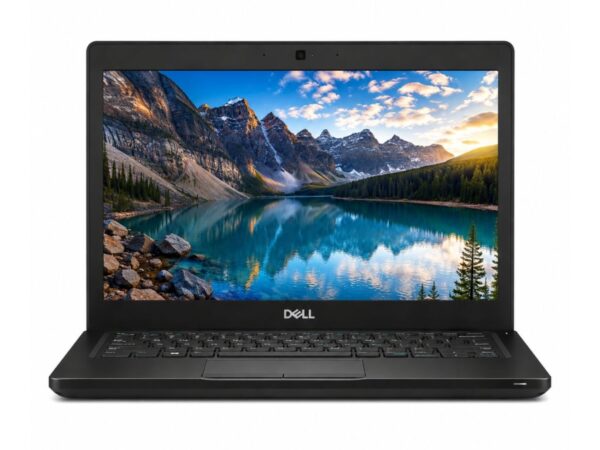
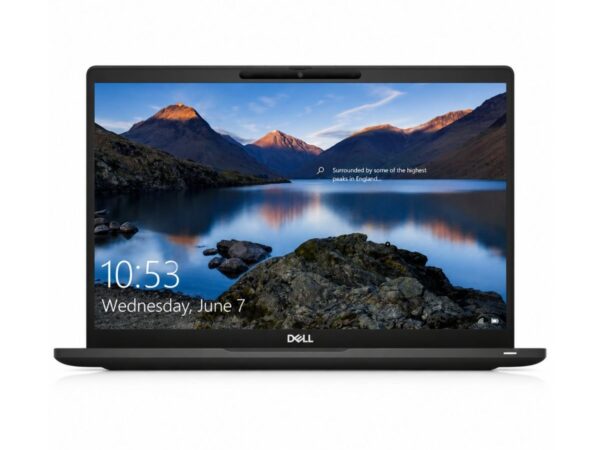
The body of the Latitude 7410 is finished in Dell’s usual understated business style — dark, matte, and unfussy. It’s made from a sturdy blend of aluminium and reinforced plastic, which keeps the chassis rigid without pushing the weight up too much. At roughly 1.35 kg, it’s light enough to carry between meetings all day, and the hinges are firm enough to open with one hand while still feeling secure once the screen is set at an angle.
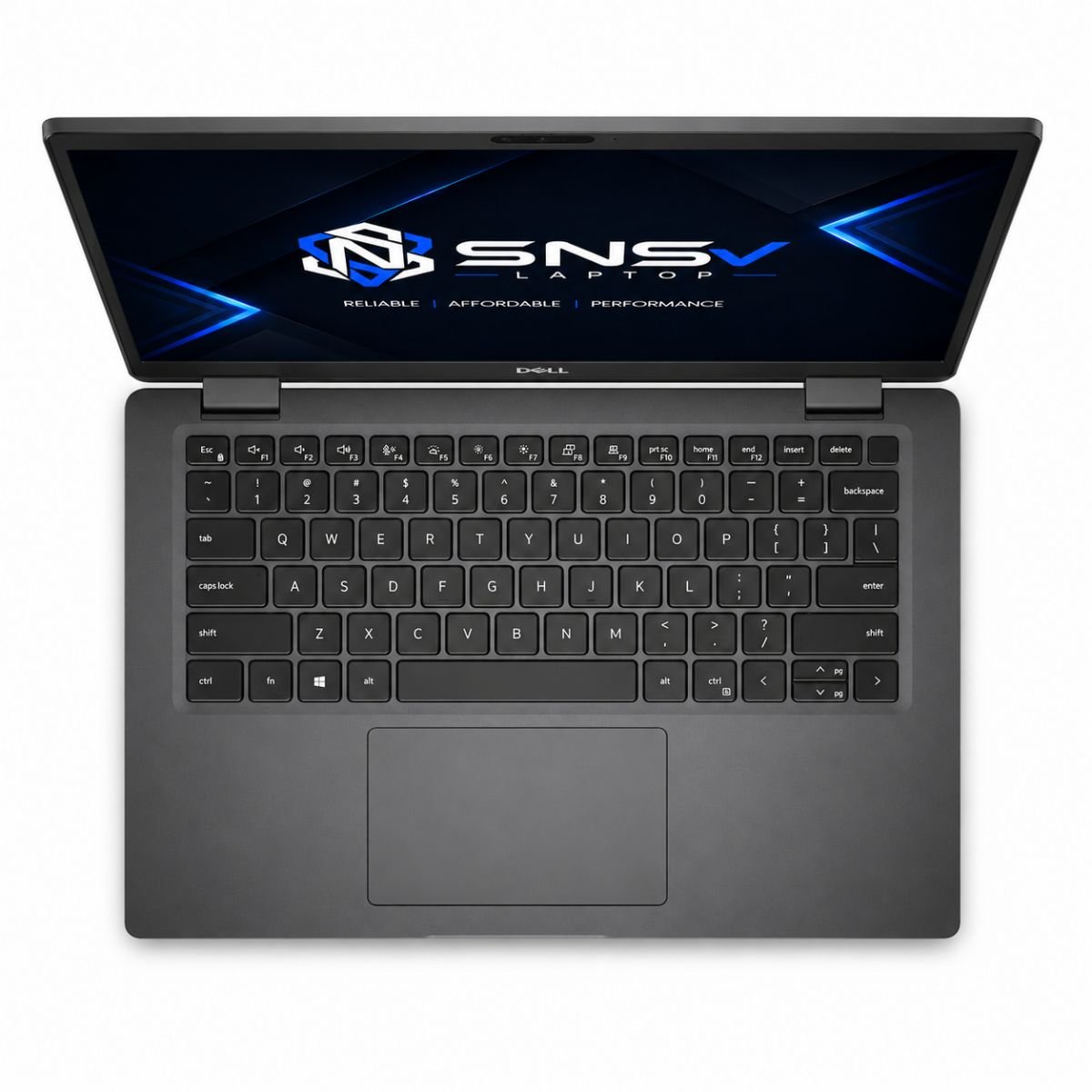
None of this feels like a budget product. The keyboard deck doesn’t flex under normal typing pressure, the trackpad is smooth, and the overall fit and finish give off a premium feel that’s more in line with what you’d expect from a higher-end business ultrabook. For anyone who moves around a lot for work, the combination of a compact 14-inch premium business frame and solid build makes it an easy laptop to live with on the road.
Display Experience
The 14.1-inch screen strikes a practical balance between portability and usable working space. Text stays crisp for spreadsheets and documents, and the resolution is sharp enough for comfortable reading during long sessions without eye strain. Brightness levels are decent for indoor office lighting, though like most business-focused screens, it’s not the brightest panel for direct sunlight outdoors.
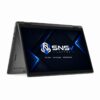
Colour reproduction is accurate rather than vivid — fine for presentations, reports, and photo viewing, though not aimed at colour-critical creative work. One of the standout touches on this configuration is the touchscreen, which adds a nice layer of convenience for quickly scrolling through documents, signing forms digitally, or navigating Windows with a tap instead of reaching for the trackpad every time.
Performance & Processor
At the centre of this configuration sits a 1.7GHz quad-core processor from the 10th generation lineup, paired with 8GB of DDR4 RAM and a 256GB SSD. That combination alone changes the daily experience noticeably — boot times are fast, apps open almost instantly off the SSD, and switching between a dozen browser tabs, a PDF, and an Office document rarely causes any noticeable lag.
For the kind of work this configuration is aimed at — spreadsheets, email, video conferencing, research, and general browsing — the processor speed here is more than sufficient. Office suites run smoothly, multitasking between several open programs doesn’t slow things down, and everyday browsing feels snappy even with several tabs open. It’s not a machine built for heavy rendering or gaming, but for daily professional and academic use, the hardware strikes a sensible balance between speed and efficiency.
Learn more about the Intel Core i5-10310 processor specifications.
Graphics Performance
Graphics duties are handled by an integrated solution — specifically Intel UHD Graphics — which is shared with the system memory rather than running on a dedicated GPU. For video playback, streaming meetings, and light photo or document editing, this is completely adequate and runs without stutter.
Casual gaming is possible too, mostly limited to older or lightweight titles rather than anything graphically demanding. As expected from any integrated graphics setup, there are limitations here: modern AAA games or serious video editing workloads will push past what this GPU can comfortably handle. For a business-first configuration, though, that trade-off makes sense — the priority here is efficiency and battery life over raw graphical power.
Battery Life
Battery backup on this unit runs up to around two hours under regular use, which is naturally on the lower side compared to when the battery was new, so it’s worth keeping a charger nearby for a full day of meetings or travel. The included charger tops it up reasonably quickly during short breaks, which helps when you’re moving between calls or classes.
For office use where a charging point is usually within reach, this isn’t a major inconvenience. For travel, it’s a good idea to carry the charger along rather than relying purely on the battery for a full day away from a power socket.
Connectivity & Ports
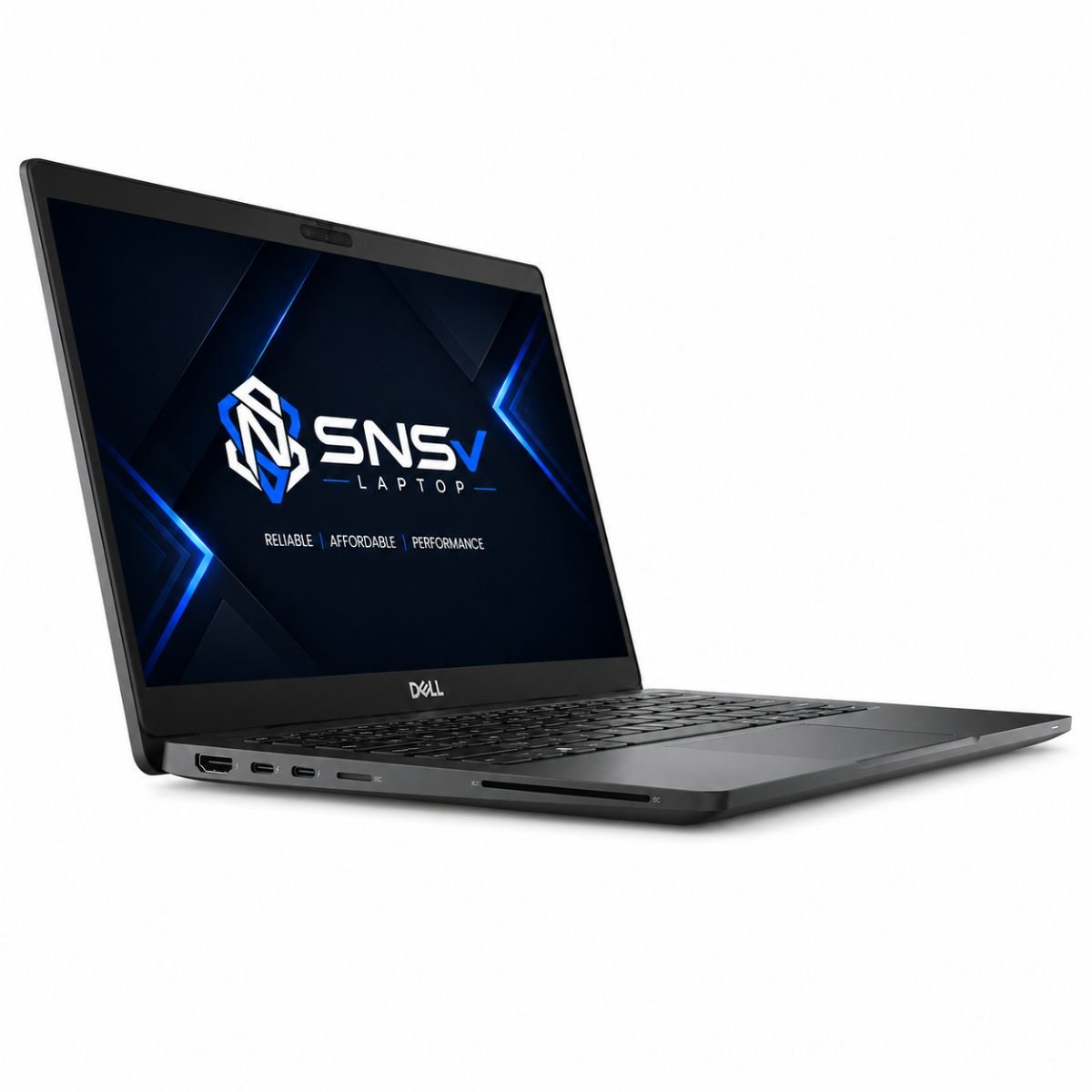
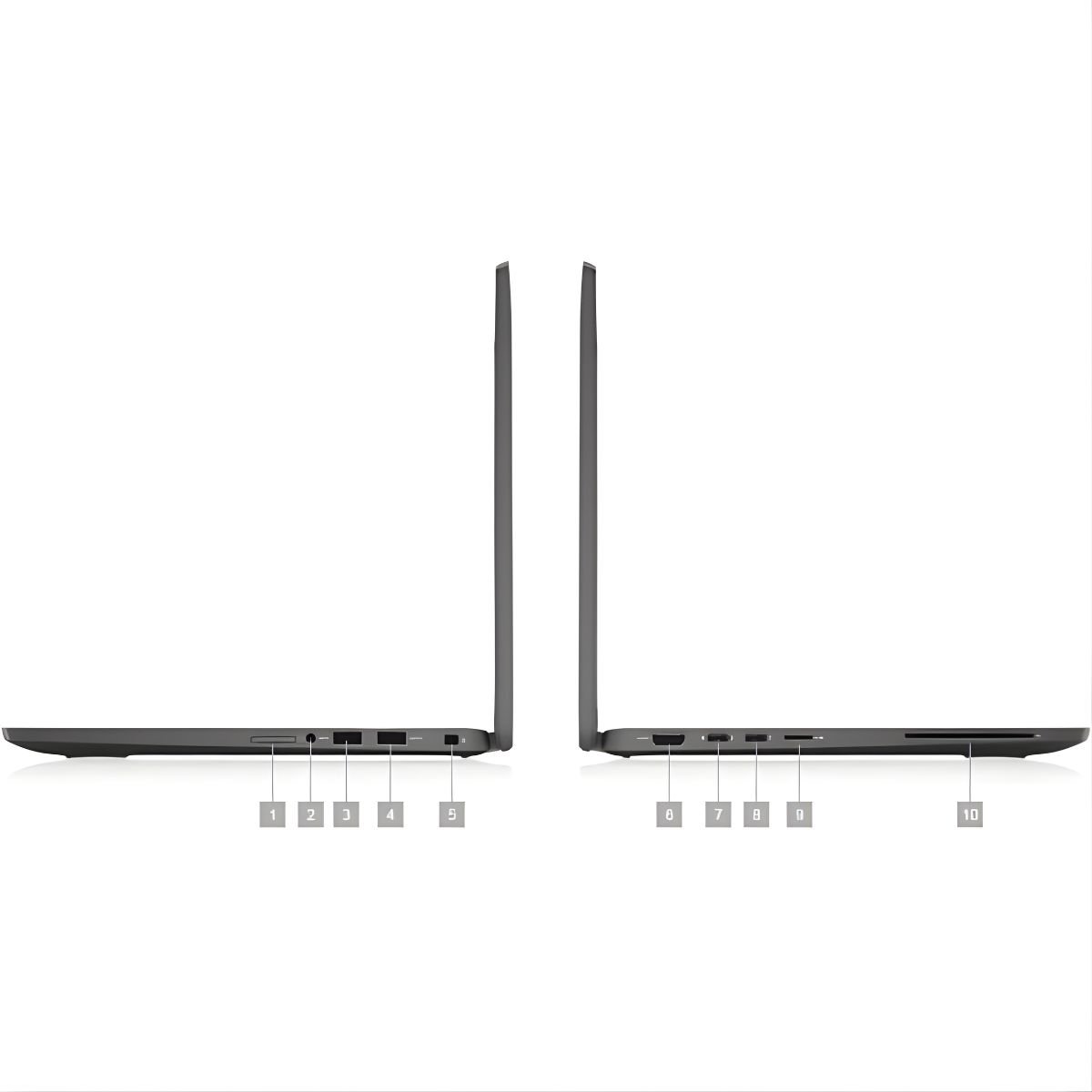
Connectivity is where this machine continues to feel like a proper business tool. It includes multiple USB ports for external drives, mice, and accessories, along with HDMI output for connecting to monitors or projectors during presentations. There’s also Thunderbolt support on board, useful for fast data transfer or docking station setups in an office environment.
Wireless connectivity covers both Wi-Fi and Bluetooth, so pairing headsets, keyboards, or other devices is straightforward, and staying connected on office or home networks isn’t an issue. A built-in webcam and audio jack round out the package, making video calls and quick meetings simple to set up without any extra hardware. Some configurations in this lineup also support advanced management technology, aimed at businesses that need extra control across a fleet of machines.
Who Should Buy This Laptop?
This configuration is a strong fit for a fairly wide group of people:
- Students who need something reliable for assignments, research, and online classes.
- Office users who spend most of their day in spreadsheets, email, and video calls.
- Freelancers who want a portable, dependable machine for client work and communication.
- Teachers managing lesson planning, grading, and virtual classrooms.
- Anyone doing frequent online meetings, thanks to the webcam, mic, and stable Wi-Fi.
- Small business owners who need a no-nonsense machine for day-to-day operations without unnecessary extras.
If your daily workload revolves around productivity apps rather than heavy creative or gaming software, this is the right device for that use case.
If you prefer a larger 15.6-inch display with a full-size keyboard and numeric keypad, check out our Dell Latitude 5580, another reliable business laptop ideal for office work, students, and everyday productivity.
Why Buy From SNSV Laptop?
Buying a refurbished or used business machine works best when you trust the seller, and that’s where SNSV Laptop aims to stand apart:
- Genuine Products — every unit sold is authentic, with no counterfeit parts or components.
- Tested Devices — each machine goes through a proper check before it’s listed, so what you receive works as described.
- Competitive Prices — pricing is kept fair compared to buying new, without cutting corners on quality.
- Secure Payment — checkout options are safe and straightforward.
- Fast Delivery — orders are processed and shipped quickly once confirmed.
- Customer Support — a responsive team is available if you have questions before or after your purchase.
- Warranty — every purchase is backed by a 10-day checking warranty, giving you time to confirm everything works exactly as expected.
Frequently Asked Questions
- Is the Dell Latitude 7410 good for students? Yes. It’s light enough to carry daily, and the chip and RAM combination easily handles browsing, assignments, and online classes.
- Does it support Windows 11? Yes, this configuration ships with Windows 11 Pro. Select units in the lineup are also offered with an earlier downgrade option depending on stock.
- How long does the battery last? Battery backup is around two hours on average, so keeping the charger nearby is recommended for longer sessions away from a power outlet.
- Can it handle gaming? It can run light or older games thanks to its integrated graphics, but it isn’t built for demanding modern titles.
- Does it have a touchscreen? Yes, this particular configuration includes a touchscreen display, which adds convenience for navigation and note-taking.
- What ports does it include? It comes with USB ports, HDMI, and Thunderbolt, along with Wi-Fi and Bluetooth for everyday connectivity.
- Is it a good choice for office work? Absolutely. Between the chip, RAM, SSD, and connectivity options, it’s well suited to everyday office tasks and video meetings.
- Does SNSV Laptop offer any warranty on this unit? Yes, every unit comes with a 10-day checking warranty so you can verify everything is working before that window closes.

Reviews
There are no reviews yet.