

Description
Asus ZenBook Flip UX360C Core m3 6th Gen Laptop | 4GB RAM | 128GB SSD | 13.3″ FHD Touch | Windows 10 Pro
Product Overview
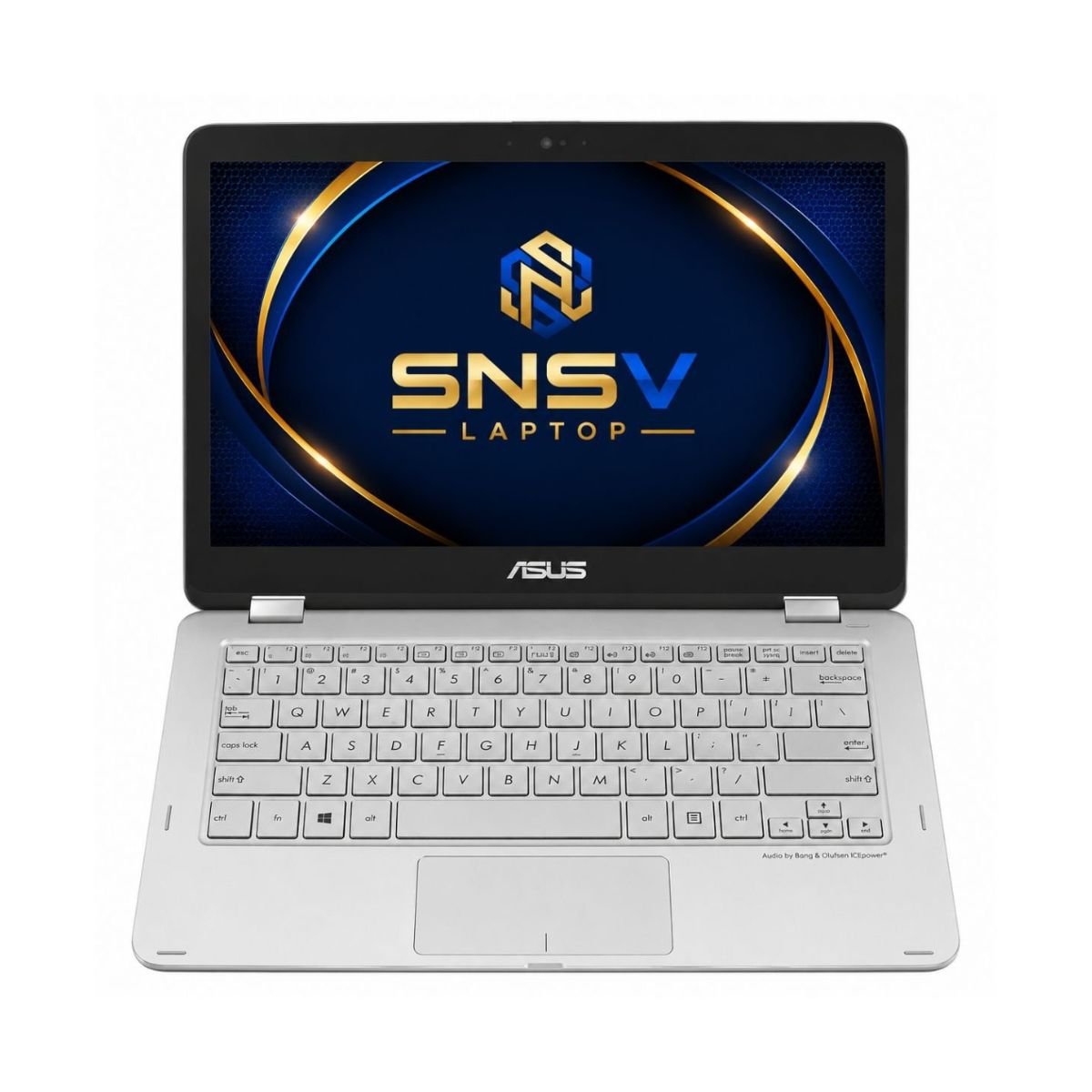
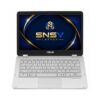
For anyone hunting for a light, 2-in-1 notebook that switches between work and play without missing a beat, the Asus ZenBook Flip deserves a serious look. This convertible blends the compactness of a tablet with the productivity of a full-size notebook, and it does so with a level of polish that’s hard to find at this price. Under the hood sits an Intel Core m3 6th Gen chip — specifically the Intel Core m3-6Y30 — built for people who want smooth day-to-day use without the extra heat or fan noise that comes with heavier CPUs.
Because of this chip choice, the ZenBook Flip is aimed squarely at students, everyday office workers, freelancers, and anyone who mostly lives in browsers, documents, spreadsheets, and video calls. It isn’t trying to be a gaming rig or a video-editing workstation — it’s trying to be the notebook you forget you’re carrying. Overall performance across normal tasks feels responsive and consistent, and the flip-around touch screen capability adds a layer of flexibility that a traditional clamshell simply can’t offer.
Specifications at a Glance
| Feature | Details |
| Model | Asus ZenBook Flip UX360C |
| Condition | Slightly Used |
| Processor | Intel Core m3 6th Gen |
| RAM | 4 GB |
| Storage | 128 GB SSD |
| Graphics | Intel HD Graphics 515 |
| Display | 13.3-inch Full HD Touch Display |
| Convertible | 360° Flip |
| Touchscreen | Yes |
| Webcam | Yes |
| Operating System | Windows 10 Pro |
| Wi-Fi | Yes |
| Bluetooth | Yes |
| USB | Yes |
| Charger Included | Yes |
| Battery Backup | Up to 2 Hours |
| Warranty | 10 Days Checking Warranty |
Design & Build Quality
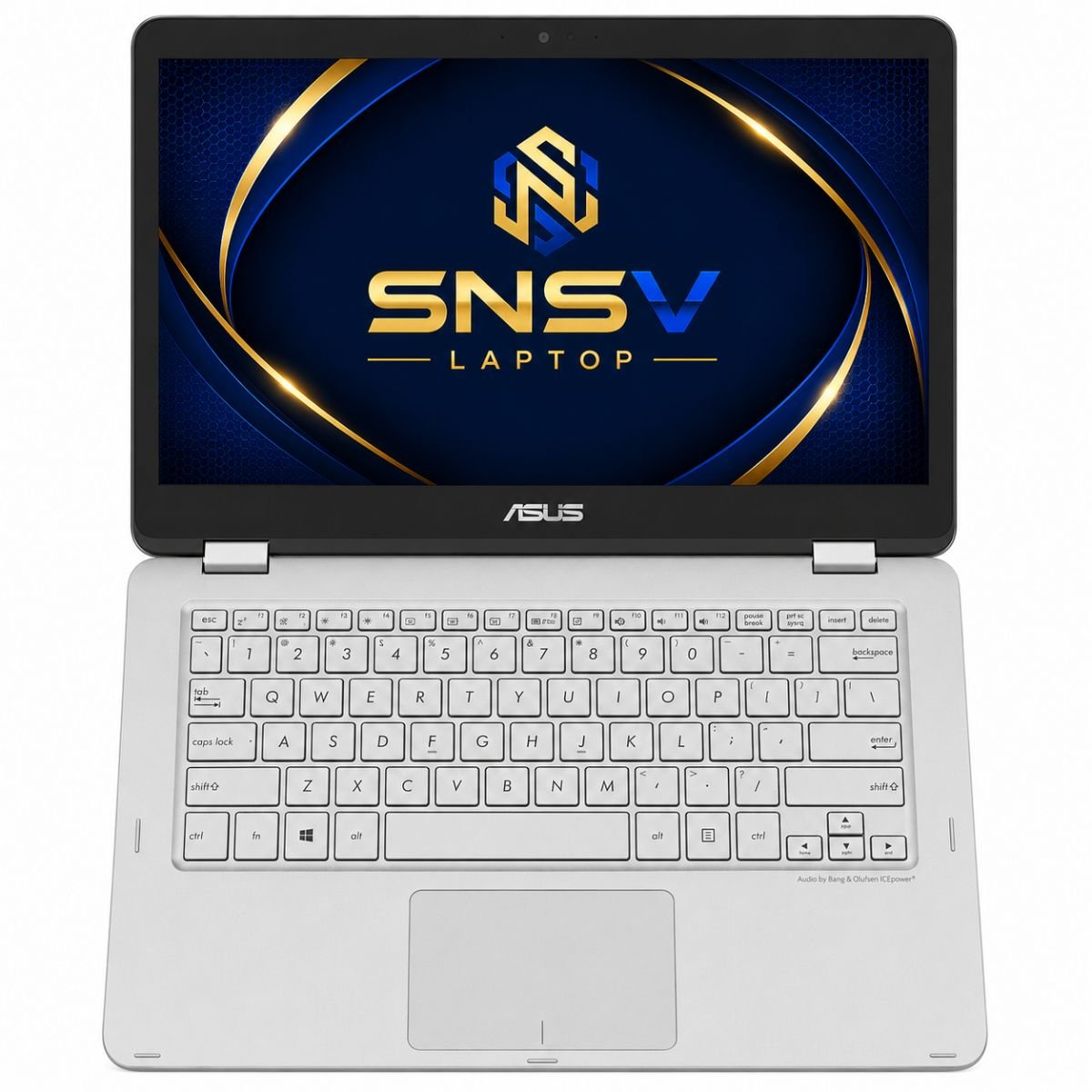
Asus has a reputation for putting real thought into how its notebooks look and feel, and this stylish device lives up to that reputation. The body is finished in a spun-metal, brushed-aluminum style that Asus has carried across several generations, giving it a genuinely premium feel rather than the plasticky texture found on many budget notebooks. Weighing in at a little over a kilogram, it slides into a bag without a second thought — a real plus for anyone who commutes or moves between meeting rooms all day.
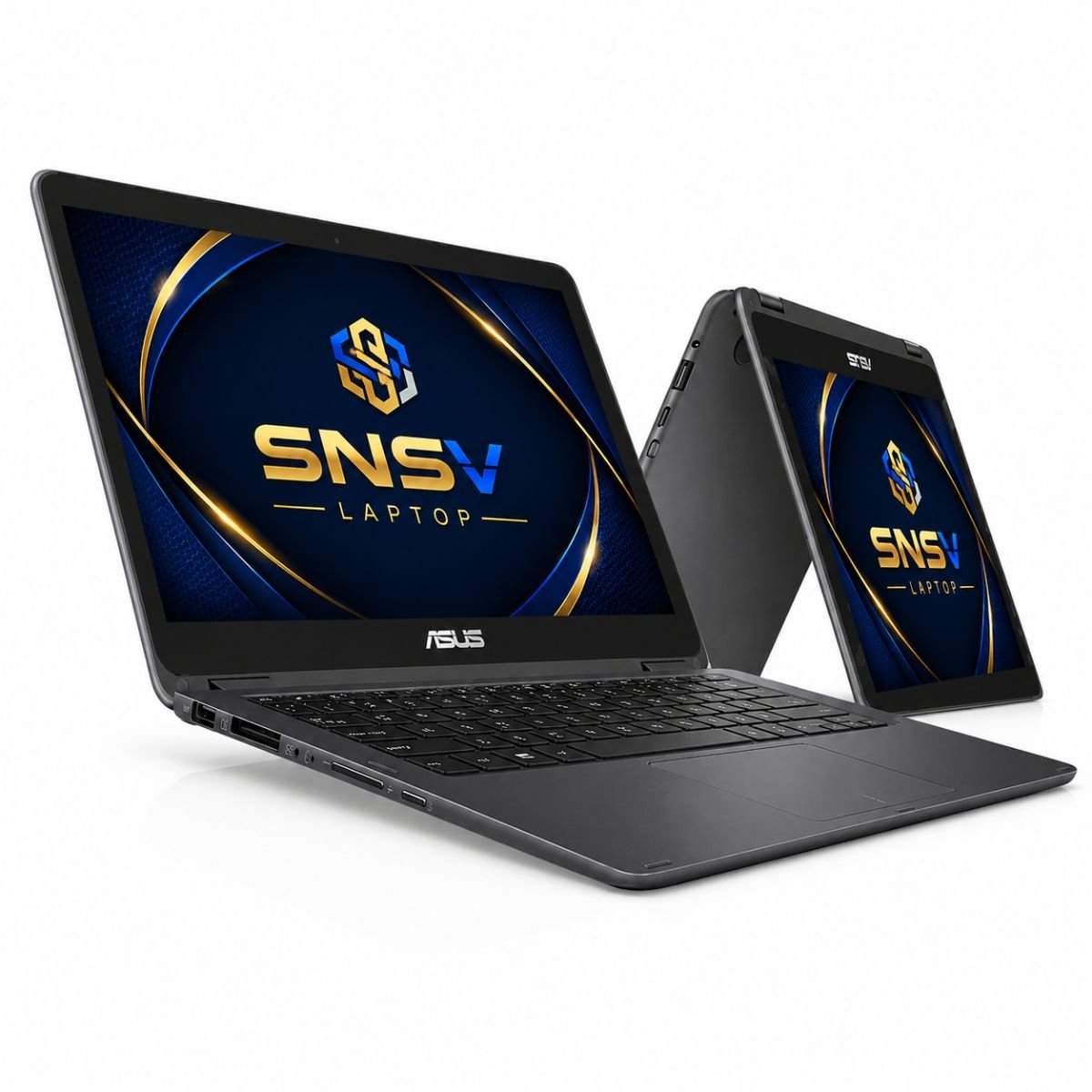
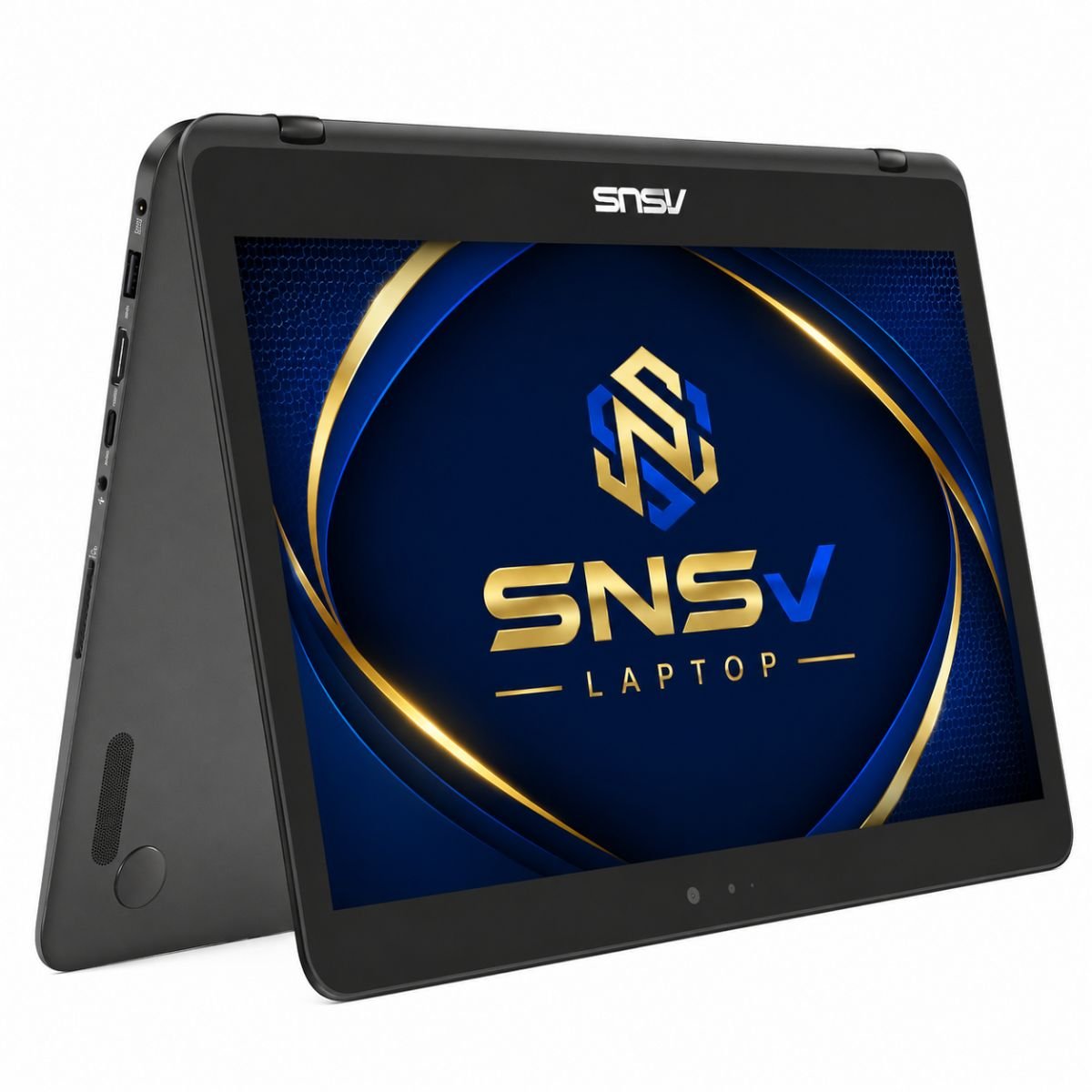
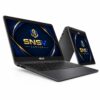
Build quality feels solid rather than fragile: there’s minimal flex in the keyboard deck, and the chassis doesn’t creak under normal handling. The 360-degree hinge is the real highlight — it rotates all the way around smoothly, holds its position at any angle, and doesn’t feel loose even after repeated use. That hinge is what turns this ultraportable notebook into a genuine notebook/tablet hybrid, letting it fold flat for reading, stand in tent mode for presentations, or flip fully around for sketching and note-taking. The touchpad is roomy and precise too — a comfortable touchpad for everyday clicking, scrolling, and gesture navigation. Portability, in short, is one of this convertible’s strongest selling points.
Display Experience
The panel measures 13.3 inches diagonally and runs at Full HD resolution — 1920 x 1080 pixels packed into a compact frame, sharp enough for text, photos, and video without feeling cramped. Brightness is decent for indoor use and comfortable for long reading or writing sessions, though like most notebooks in this class it isn’t built to fight direct sunlight outdoors. Color quality is respectable for everyday content: photos look natural, clips are watchable, and there’s enough contrast for casual creative work.
What really sets this panel apart is the touch layer sitting on top of it. Response to taps, swipes, and pinch gestures feels quick, closer in feel to swiping through a phone than using a typical notebook. Combined with the 360° flip feature, the whole experience turns into something like using a large touchscreen tablet rather than a conventional notebook display — fold it back, and you get a genuine slate you can hold for reading or annotating.
Performance & Processor
At the heart of this machine sits an Intel Core m3 chip from Intel’s 6th generation lineup, part of the Core M family built for fanless or near-silent operation. Paired with 4 GB of memory and a 128 GB solid-state drive, it boots up quickly and wakes from sleep almost instantly — an SSD makes a bigger difference to everyday responsiveness than most people expect. Compared with heavier Core i5 or Core i7 machines, the m3 trades a bit of raw horsepower for cooler running temperatures, quieter operation, and longer runtime per charge. Need more performance for multitasking? Check out the Dell Latitude 5420 Core i7 11th Gen.
For multitasking, this combination handles a handful of browser tabs, a document editor, and a music or video player running side by side without much complaint, though pushing it much harder starts to show the chip’s ceiling. It’s genuinely well suited to office work — spreadsheets, email, video calls, presentations — and to general browsing and daily use like checking messages, streaming a show, or writing up notes. Think of it as a dependable everyday companion rather than a powerhouse, and it will rarely disappoint.
Graphics Performance
Visual duties are handled by Intel HD Graphics 515, integrated directly into the processor rather than a separate GPU. Intel graphics of this generation are built for smooth video playback, crisp desktop rendering, and everyday visual tasks rather than demanding creative or gaming workloads. Streaming HD video, watching a movie, or scrubbing through a downloaded film all look clean and stutter-free.
For light editing — resizing photos, trimming a short clip, or making basic adjustments in a photo app — the integrated graphics keep up just fine. Casual gaming is possible too, particularly with older titles, browser-based games, or simple 2D and indie games that don’t lean on a dedicated card. That said, it’s worth being upfront about the limitations here: modern AAA titles, heavy 3D rendering, and serious video editing sit outside this chip’s comfort zone. If your needs stop at smooth video and simple games, the onboard graphics will serve you well.
Battery Life
This particular slightly-used unit is currently rated for up to 2 hours of runtime on a charge, which reflects its age and history of use rather than the platform’s original design targets — Core m3 ZenBooks were known for stretching a single charge across a full day when new. Topping up is straightforward via the included charger, and because the chip sips power rather than gulping it, refills tend to be quick relative to bulkier gaming notebooks.
For office use, that runtime window is enough to get through a meeting or a working session untethered from a socket. For travel, it’s wise to keep the charger handy, especially on longer trips or days packed with back-to-back tasks. Anyone planning to use it mostly as a plugged-in desktop replacement won’t find this a limiting factor at all.
Connectivity & Ports
Despite its slim frame, this device doesn’t skimp on connectivity. It includes USB ports for connecting external drives, mice, or keyboards, along with a Micro HDMI port for hooking up an external monitor or projector — handy for presentations or a bigger setup at a desk. Wi-Fi is built in for wireless internet access anywhere there’s a network, and Bluetooth support means wireless headphones, speakers, and other accessories pair without extra dongles.
A built-in webcam covers video calls and online meetings without needing an external camera, and there’s a standard audio jack for headphones or a headset. Altogether, the connectivity on offer covers the essentials that a student, office worker, or freelancer would reasonably need, without adding unnecessary bulk.
Who Should Buy This Laptop?
This convertible is a strong match for several kinds of buyers:
- Students who need a light, portable device for lectures and assignments, with the flip-around hinge useful for reading and annotating.
- Office users who spend most of their day in documents, spreadsheets, and browsers, and want something quick to carry between desks and meeting rooms.
- Freelancers who work from cafés, co-working spaces, or while traveling and need something light on both weight and power draw.
- Teachers who want a unit that can double as a presentation tool, using tent or stand mode to display material to a class.
- Anyone who relies heavily on online meetings, thanks to the built-in webcam, Wi-Fi, and Bluetooth support.
- Small business owners who need a reliable, no-fuss unit for admin work, invoicing, and communication without investing in high-end hardware.
If your daily workload leans toward writing, browsing, communicating, and light content consumption, this fits comfortably. If it leans toward gaming, 3D design, or heavy video editing, it’s worth looking elsewhere — much like how a Sony or other premium ultrabook might tempt power users, this one is built for a lighter crowd, closer in spirit to using one of today’s smartphones for quick tasks than a heavyweight workstation.
Why Buy From SNSV Laptop?
Buying a slightly used unit is only a good idea when you trust where it’s coming from, and that’s where SNSV Laptop aims to stand apart:
- Genuine Products – every unit sold is authentic, with no counterfeit parts or unofficial components.
- Tested Devices – each unit is checked and tested before it’s listed, so what you see is what actually works.
- Competitive Prices – used and slightly used units are priced to offer real savings over buying new.
- Secure Payment – checkout options are designed to keep your payment details safe.
- Fast Delivery – orders are processed and shipped promptly, so you’re not left waiting.
- Customer Support – a responsive support team is available if you have questions before or after your purchase.
- Warranty – every unit, including this notebook, comes with a checking warranty period so you can confirm everything works as expected.
For official drivers, manuals, and technical support, visit the ASUS Support website.
Frequently Asked Questions
Q: What processor does this notebook use? A: It uses an Intel Core m3 6th generation chip, designed for efficient, fanless-style performance.
Q: Can it fold into a slate for reading and sketching? A: Yes. Thanks to its 360° hinge, the panel folds all the way back, turning it into a slate for reading, sketching, or presenting.
Q: Is the onboard memory and solid-state storage enough for everyday use? A: For browsing, office work, streaming, and general daily use, this configuration performs well. It’s not intended for heavy multitasking or large creative projects. For browsing, Microsoft Office, online classes, streaming, and everyday work, this configuration performs well. However, it isn’t designed for heavy multitasking, professional video editing, or demanding software.
Q: Can I play games on it? A: Casual gaming and older or lighter titles run fine, but the integrated graphics aren’t built for modern, graphics-intensive games.
Q: How long does the battery last? A: This particular slightly-used unit currently offers up to 2 hours on a charge, so keeping the charger nearby for longer sessions is a good idea.
Q: Does it come with a warranty? A: Yes, it includes a 10-day checking warranty, giving buyers a short window to confirm the unit performs as expected.

Reviews
There are no reviews yet.