

Description
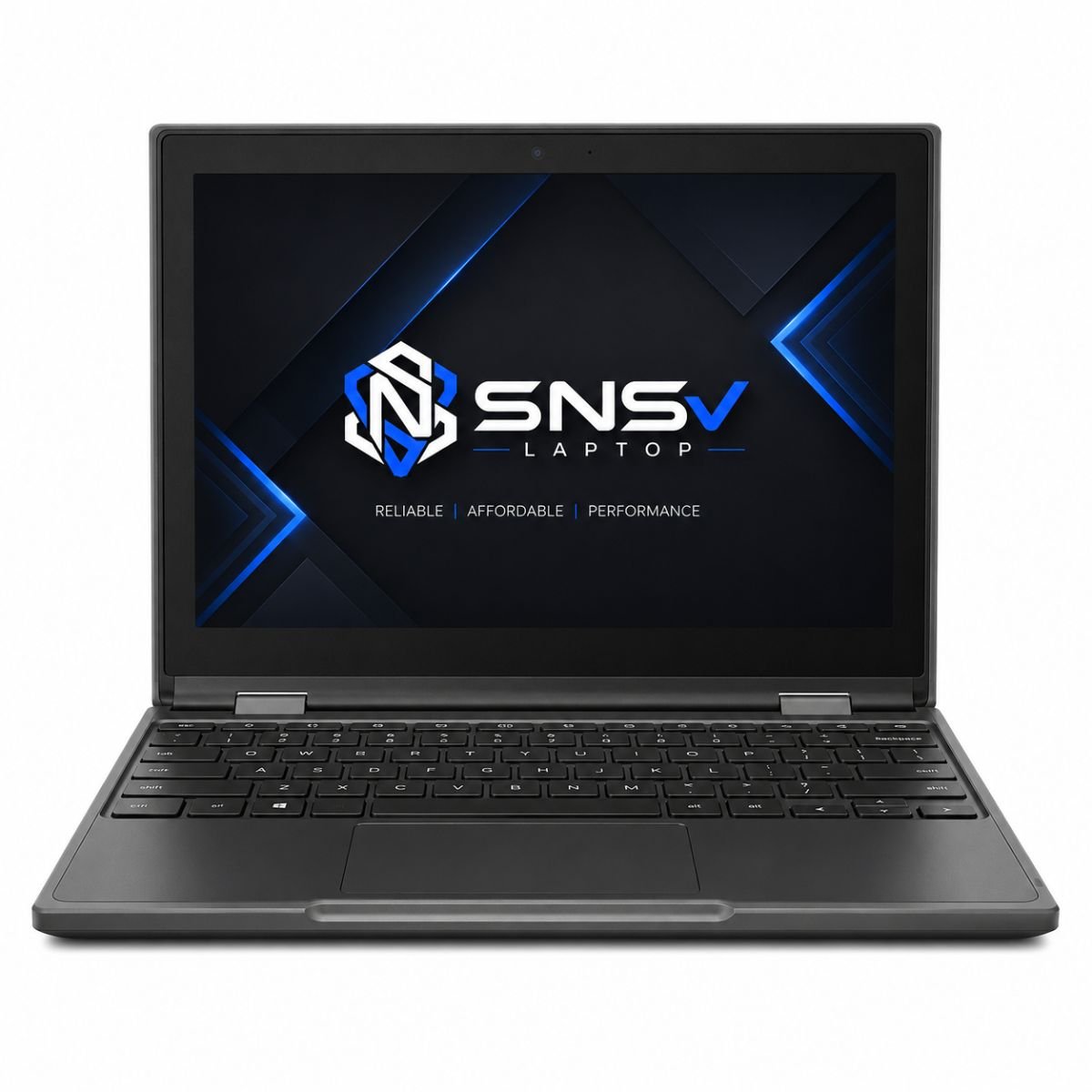
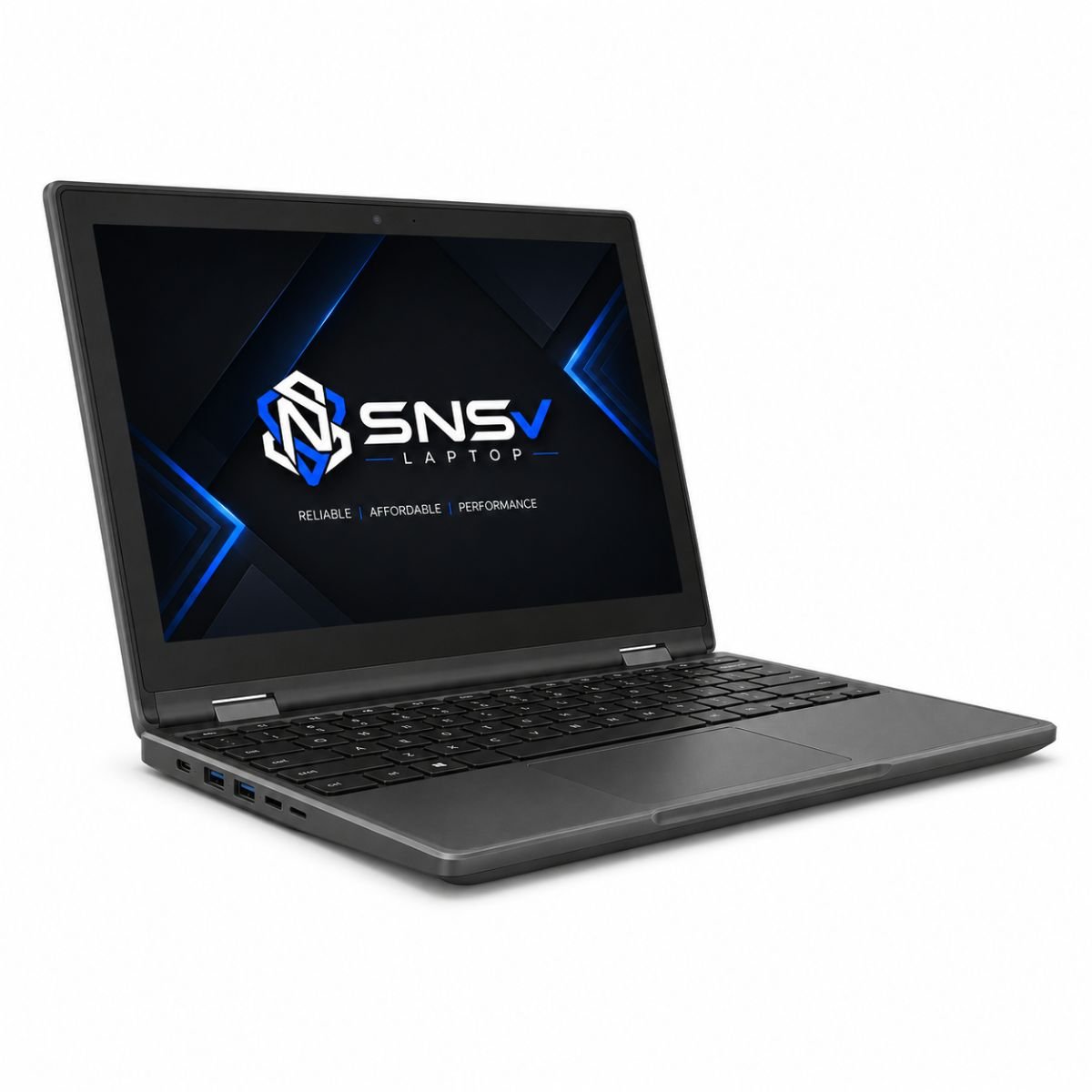
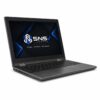
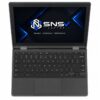
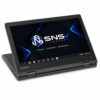
Lenovo 300E Chromebook X360 Touch Laptop | 4GB RAM | 32GB Storage | 13.3″ Display | ChromeOS
Product Overview
For anyone searching for an affordable, lightweight device that can handle everyday tasks without fuss, the Lenovo 300E Chromebook deserves a serious look. Built around an Intel processor designed for everyday browsing, online learning, and productivity, which places it in an interesting spot — capable enough for basic productivity, yet priced for students, teachers, and everyday users who don’t need a heavy-duty machine. If you need a Windows laptop instead of Chrome OS, explore our HP 650 G2, designed for office work, business users, and students. This model is aimed squarely at people who spend most of their day browsing, writing documents, attending online classes, or managing emails rather than running demanding software.
Overall, the Lenovo 300e Chromebook delivers a smooth, no-nonsense experience straight out of the box. It boots quickly, stays cool under normal use, and runs Chrome OS efficiently, which means fewer slowdowns compared to a traditional computer weighed down by heavier operating systems. It’s the kind of device that quietly gets the job done, which is exactly what most everyday users are looking for.
Specifications Table
| Feature | Details |
| Brand & Model | Lenovo 300e Chromebook |
| Processor | Intel Processor |
| RAM | 4 GB DDR4 |
| Storage | 32 GB |
| Graphics | Intel Integrated Graphics |
| Display Size | 13.3″ |
| Operating System | Chrome OS |
| Touch | Yes |
| Bluetooth | Yes |
| Wi-Fi | Yes |
| USB | Yes |
| Webcam | Yes (720p HD) |
| Charger Included | Yes |
| Battery Backup | Up to 2 hours (varies with usage) |
| Warranty | 10-Day Checking Warranty |
Lenovo 300E Chromebook Design & Build Quality
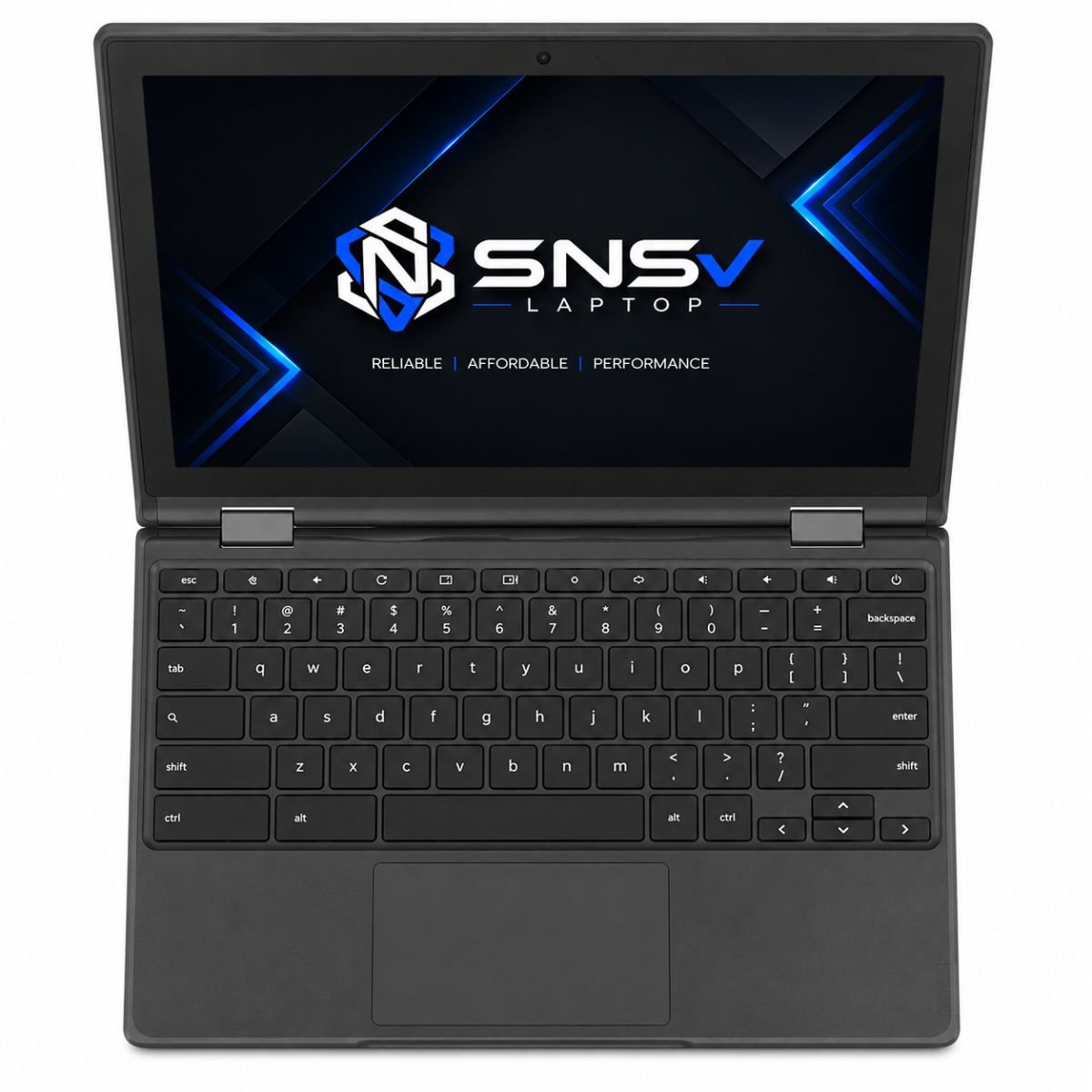
The body of this device is built with everyday durability in mind rather than flashy aesthetics. Lenovo has used a sturdy shell that can handle the occasional bump, which is a smart move given that this Chromebook is often chosen for classrooms and shared spaces. It doesn’t try to feel like a premium ultrabook, but the build quality is dependable for the price bracket it sits in.
Weight is another area where this device shines. It’s light enough to carry around all day in a backpack without adding noticeable strain, making it genuinely portable for students moving between classes or professionals hopping between meetings. The hinges feel solid and are rated to withstand repeated opening and closing, which matters a lot for a machine that’s meant to be used and reused, day after day. While it may not have the premium feel of a flagship system, it strikes a fair balance between ruggedness and everyday comfort.
Lenovo 300E Chromebook Display Experience
The 11.6-inch screen is compact and practical, suited for reading, writing, and browsing without feeling cramped during short sessions. Resolution is kept modest, which is expected at this price point, but text remains sharp enough for comfortable everyday reading. Brightness levels are reasonable for indoor use, though it may not be the best pick for working outdoors under direct sunlight.
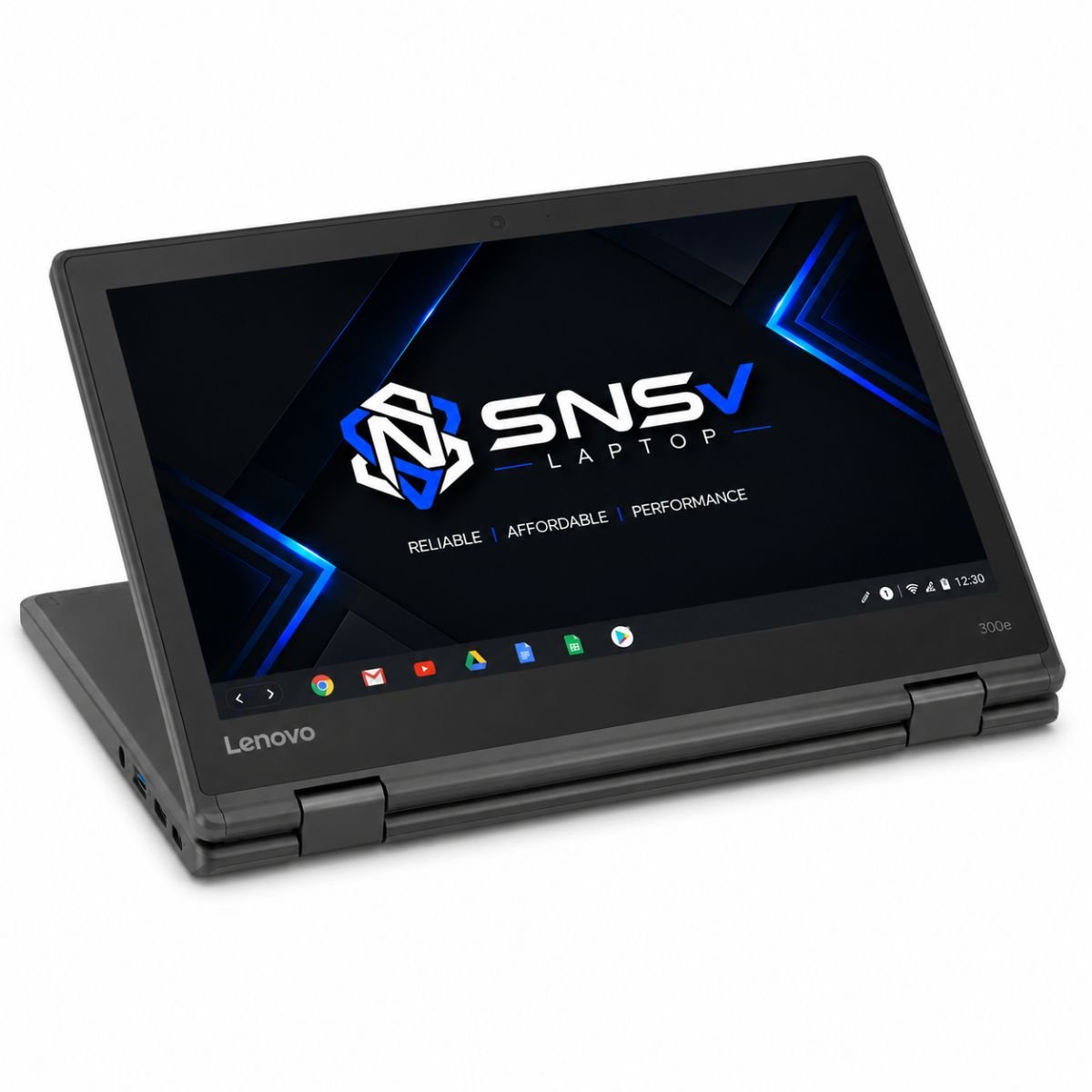
Color quality is acceptable for general use — documents, spreadsheets, and web pages all look clean, even if it isn’t tuned for color-critical work like photo editing. One of the standout features here is the touchscreen support. Learn how Chromebooks are designed for education and everyday productivity, which adds a layer of convenience for note-taking or navigating apps with a tap instead of relying purely on the trackpad. This particular model does not come with a 360-degree flip design, so it functions strictly as a traditional clamshell rather than a 2-in-1.
Performance & Processor
The Lenovo 300E Chromebook is designed to handle everyday computing tasks smoothly and efficiently. Powered by an Intel processor, paired with 4GB of RAM and 32GB of built-in storage, it delivers reliable performance for web browsing, online classes, email, document editing, and other daily activities. Since ChromeOS is a lightweight operating system, the device boots quickly, responds smoothly, and requires fewer system resources than traditional operating systems.
For students and office users, this Chromebook comfortably manages web-based applications such as Google Docs, Google Sheets, Gmail, Zoom, and other productivity tools. Multitasking with several browser tabs remains manageable for normal daily use, although heavier workloads or resource-intensive applications may affect overall responsiveness due to the limited RAM and storage capacity.
The built-in storage is designed primarily for ChromeOS and cloud-based workflows, with Google Drive providing additional online storage for documents, photos, and files. Overall, the Lenovo 300E Chromebook offers dependable everyday performance, making it an excellent choice for education, office work, online learning, and general internet use.
Graphics Performance
Graphics duties are handled by the integrated Intel Integrated Graphics, which is a solid fit for the kind of tasks this device is meant for. Video playback, including HD streaming from platforms like YouTube or Netflix, runs smoothly without stutter. Light editing tasks — cropping a photo, trimming a short video clip, or making quick adjustments in a browser-based editor — are handled without much trouble.
Casual gaming is also on the table, particularly with lightweight Android titles available through the Google Play Store, though anyone expecting to run graphically demanding games will hit a wall quickly. The GPU limitations here are worth being upfront about: this is integrated graphics designed for efficiency and everyday visuals, not for gaming rigs or professional rendering work. For its intended audience, though, the graphics performance is perfectly adequate.
Lenovo 300E Chromebook Battery Life
Battery backup is rated at around 2 hours under typical usage, which is on the lower end and something buyers should factor into their daily routine. Charging is straightforward thanks to the included charger, and a quick top-up before heading out can extend a work session comfortably.
For office use, where the device is often plugged in throughout the day, this isn’t a major concern. However, for travel or long commutes without access to a power outlet, users may want to carry the charger along just to be safe. Planning around charging breaks is a sensible habit for anyone who relies on this machine while on the move.
Connectivity & Ports
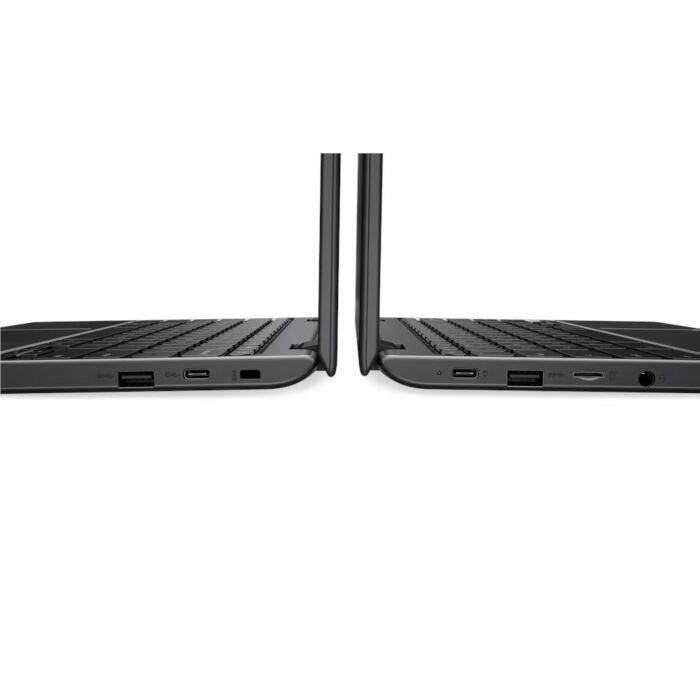
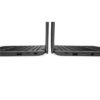
Connectivity on this model covers all the essentials without overcomplicating things. There’s a USB port for connecting peripherals and external storage, along with Wi-Fi and Bluetooth for wireless connections to headphones, mice, and other accessories. An HDMI-style output allows the device to connect to an external monitor or projector, which is handy for presentations or extending screen space during work.
The built-in webcam supports HD video, making it suitable for online meetings and video calls without needing extra accessories. An audio jack rounds out the connectivity options for anyone who prefers wired headphones over a Bluetooth pair. Storage itself runs through a modern, efficient hard drive interface built for fast boot times and quick file access rather than bulky local storage, and there’s no card slot for expanding memory, so anyone needing extra room should plan around the built-in capacity. If a driver update is ever needed for a connected accessory, the system typically handles it automatically in the background, which saves users from chasing down a driver manually the way they might on a traditional machine.
Who Should Buy This Chromebook?
This device is best suited for a specific type of user rather than everyone. Students will likely get the most value out of it — it’s light, boots fast, and handles assignments, research, and online classes without issue. Office users who mostly work within web-based tools like email, spreadsheets, and document editors will also find it a dependable daily companion.
Freelancers who need a secondary, portable machine for writing, communication, and light content work may appreciate the portability and quick startup times. Teachers managing lesson plans, grading, and video calls will find it a practical, no-frills tool for the classroom and beyond. It’s also a solid pick for anyone regularly hopping onto online meetings, since the webcam and Wi-Fi performance are both reliable. Small business owners looking for an affordable machine to handle admin work, invoicing, and communication will find this device checks most of the boxes without a heavy price tag.
Why Buy From SNSV Laptop?
Choosing where to buy matters just as much as choosing the right device, and SNSV Laptop aims to make that decision easy. Every unit sold is a genuine product, sourced and checked to make sure customers receive exactly what they’re paying for. Devices go through tested processes before they’re listed, so buyers aren’t left guessing about condition or functionality.
Competitive prices are a priority, ensuring customers get fair value without hidden costs. Payments are handled through secure channels, giving buyers peace of mind throughout the transaction. Fast delivery is available across major areas of the city, including Model Town, Johar Town, Bahria Town, and Chak Shahzad, so customers in different parts of Pakistan can get their orders without long delays. On top of that, a responsive customer support team is on hand to answer questions before and after purchase, and every device comes backed by a proper warranty for added confidence. For anyone specifically looking for a Pakistan Lenovo Chromebook purchase they can trust, SNSV Laptop aims to be a reliable option from start to finish. Lenovo’s wider lineup also includes higher-performance machines such as the Lenovo LOQ gaming series, and buyers curious about those can reach out to SNSV Laptop for guidance on those options too.
Frequently Asked Questions
What is the Lenovo Chromebook 300e (2nd Gen) Price in Pakistan?
Pricing can vary depending on the seller, ongoing offers, and current market conditions, so it’s best to check directly with SNSV Laptop for the latest confirmed price before making a purchase decision.
Is This a Good Chromebook for Students?
Yes, it’s widely considered a strong pick for students thanks to its lightweight, fast boot times, and long-lasting build, all of which suit a busy student schedule.
Does It Support a Touchscreen?
Yes, this device comes with touchscreen support, allowing users to interact with apps and documents directly through the display.
What Makes This Lenovo 300E Chromebook Different From a Regular System?
Unlike a typical computer running a heavier operating system, this device runs ChromeOS, which is lighter, boots faster, and needs fewer resources to run smoothly.
Is the Lenovo Chromebook Easy to Carry Around?
Absolutely. Its light frame and compact 11.6-inch design make it easy to slip into a bag and carry between classes, meetings, or coworking spaces.
Does It Come With a Warranty?
Yes, every unit purchased through SNSV Laptop is covered with a 10-Day Checking Warranty, giving buyers time to confirm everything works as expected.
Can It Handle Basic Multitasking and Office Work?
Yes, thanks to its Intel processor and 4 GB of RAM, it comfortably handles browser-based office work, email, and moderate multitasking, though heavier workloads are better suited to more powerful machines.

Reviews
There are no reviews yet.